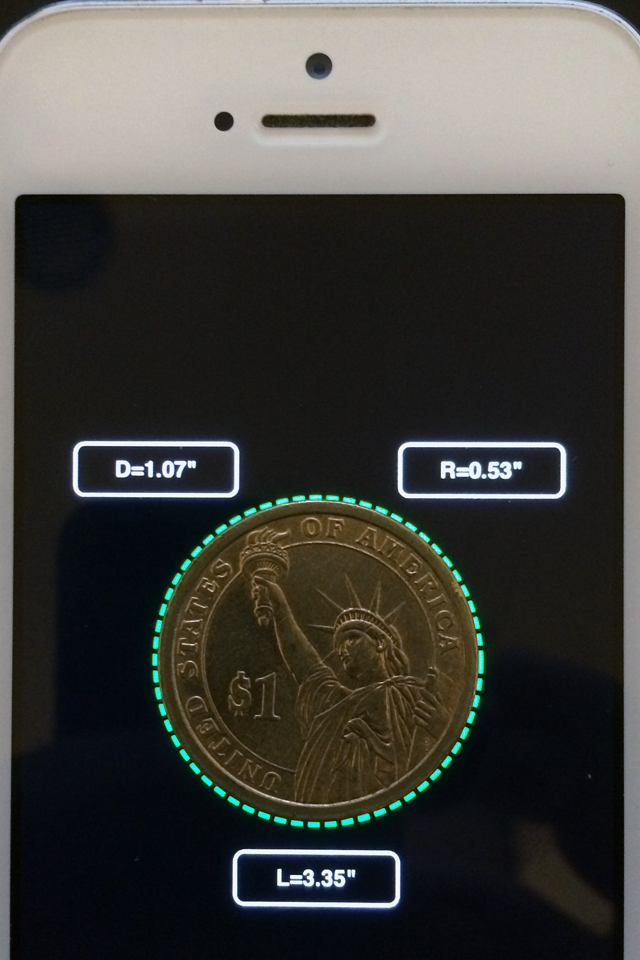
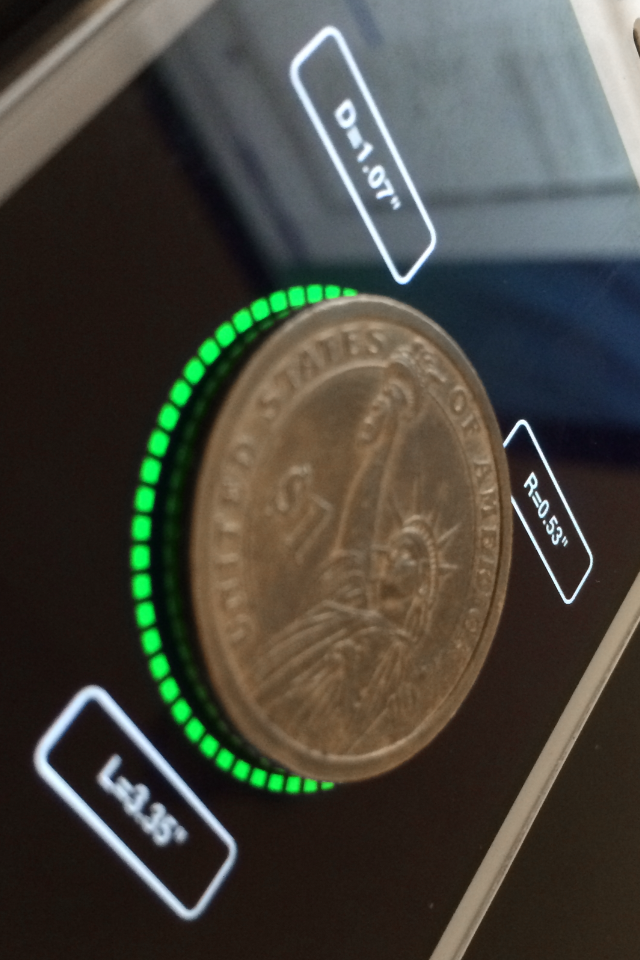
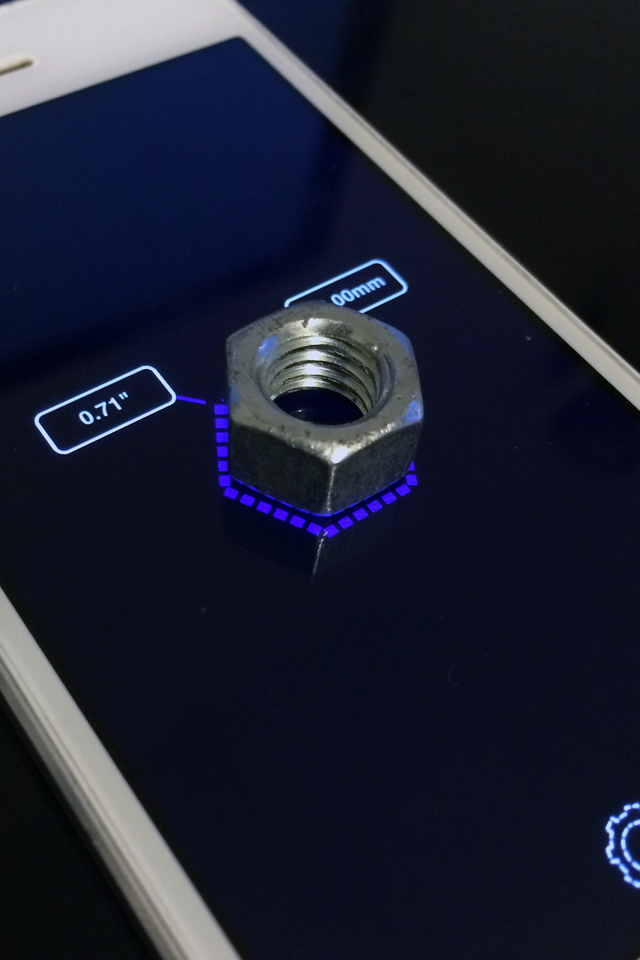
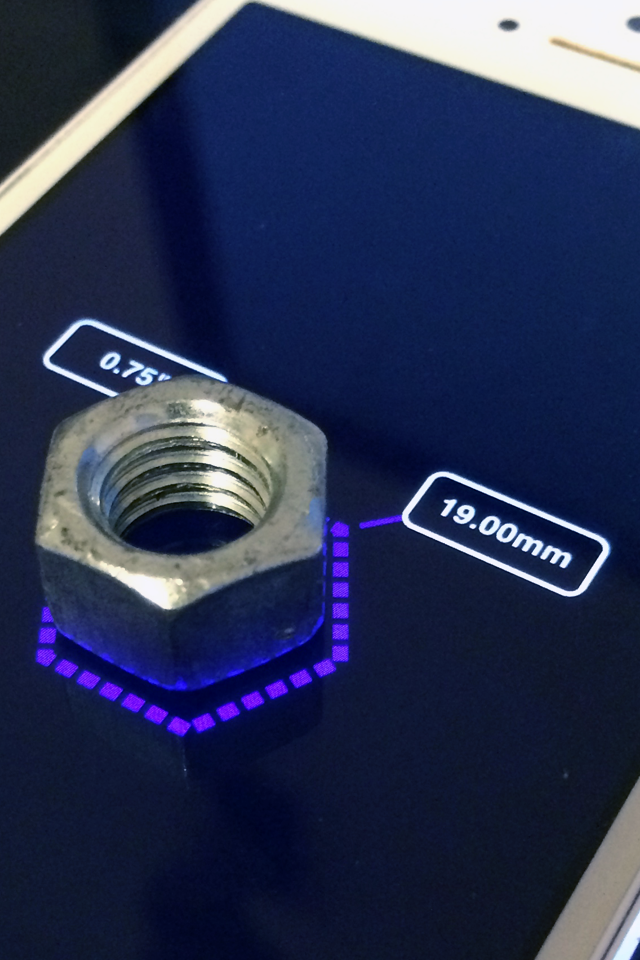
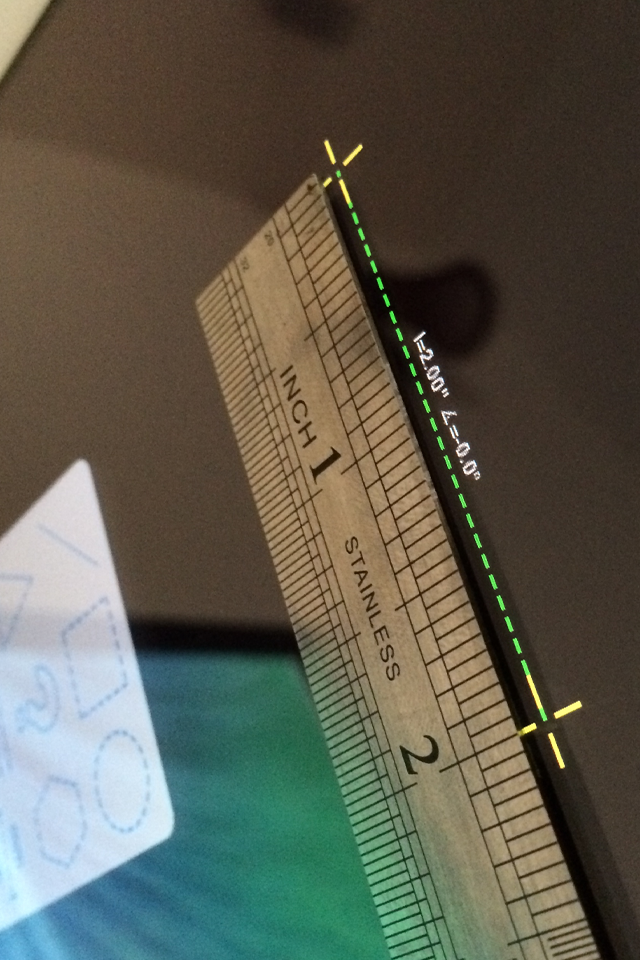
<p><span>User your device screen as a ruler or calibre, measure real objects in fun and interactive way... </span><br /><br /><span>* Explore metric or imperial units (mm or inche). </span><br /><span>* Measure length, angle,radius & diameter . </span><br /><br /><span>How to use ? : </span><br /><span>1. Place your device on a flat surface... </span><br /><span>2. Place any object on the screen and select the relevant shape. </span><br /><span>3. Click any control point and drag your finger across the screen. </span><br /><span>4. Double click in order to select or deselect all control points. </span><br /><span>5. Pinch the screen in order to scale the selected shape. </span><br /><br /><span>* Watch on YouTube : </span><br /><span>https://www.youtube.com/watch?v=6n65TlH0xTg </span><br /><br /><span>* Please make sure to use screen protector in order to avoid scratches. </span></p>