<p>YouTuber Download & Convert</p>
<p>Simple yet powerful App let you easily download MP4 files and Convert it to Audio or Ringtone files.<br />Send your Ringtones by email or use iTuens to import your files.</p>
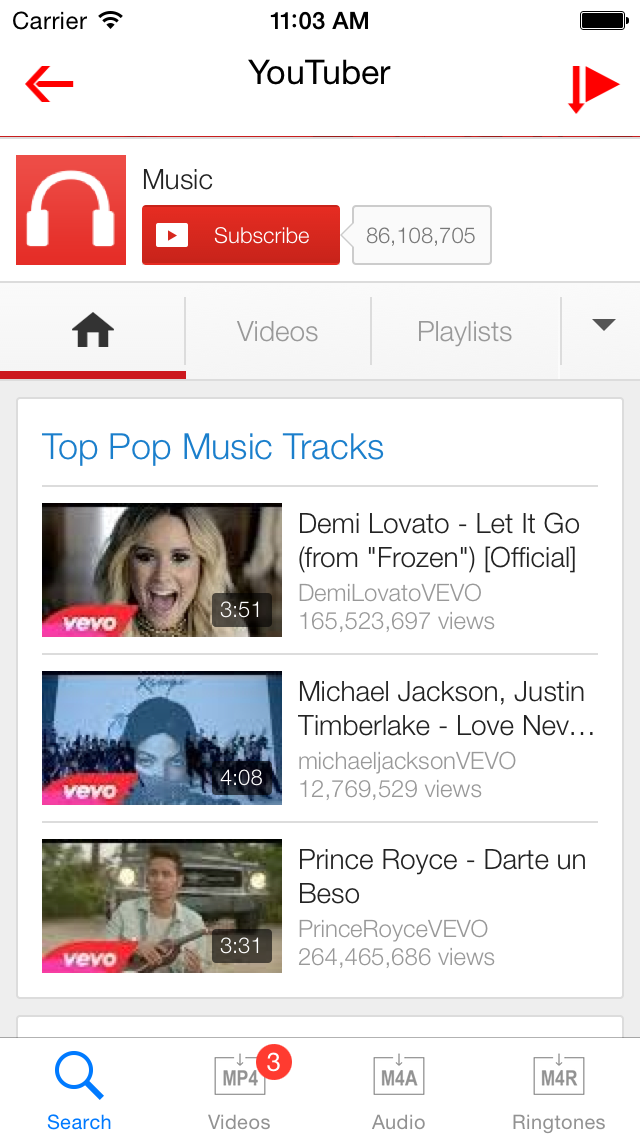
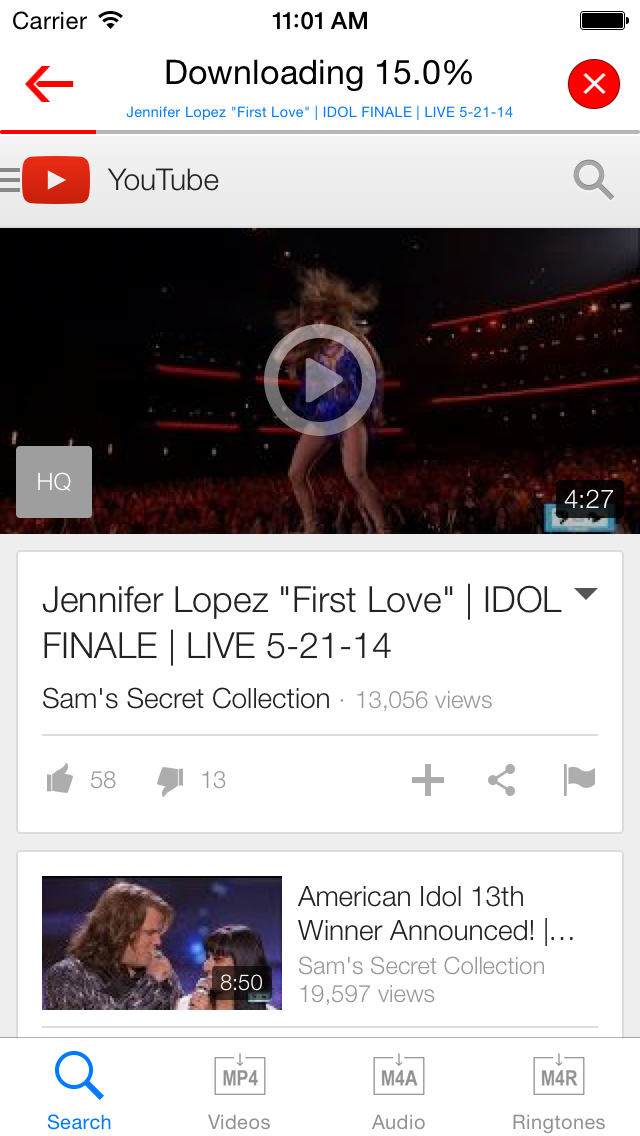
<p>How to Download :<br />1. Click the Search Tab.<br />2. Browse YouTube or any website that support MP4, select video and click play.<br />3. Click YES to Download.</p>
<p> </p>
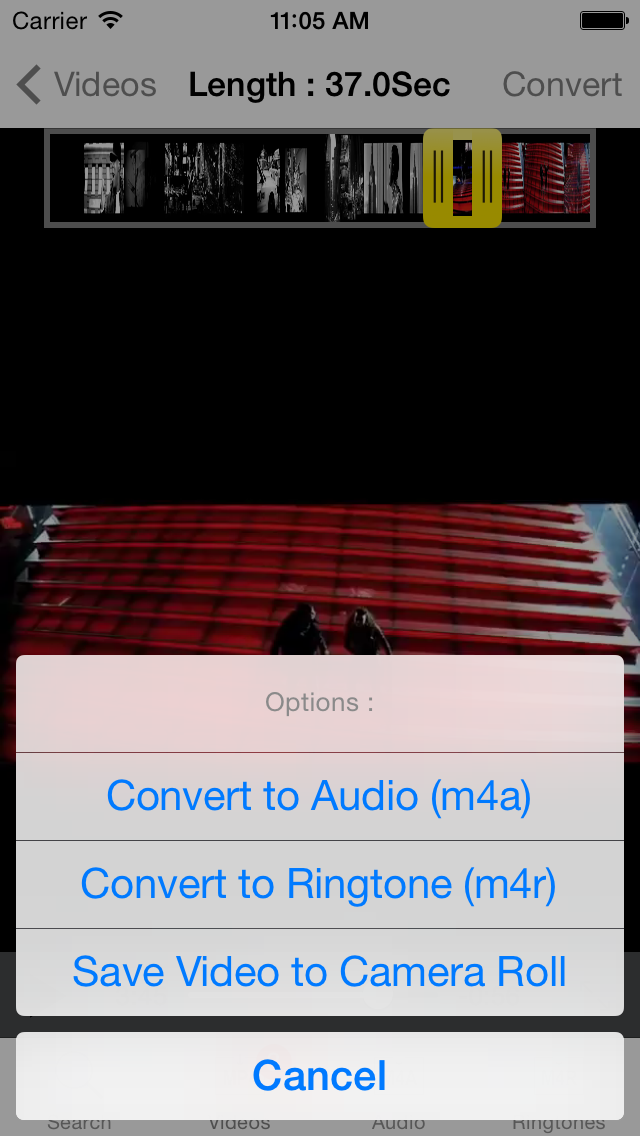
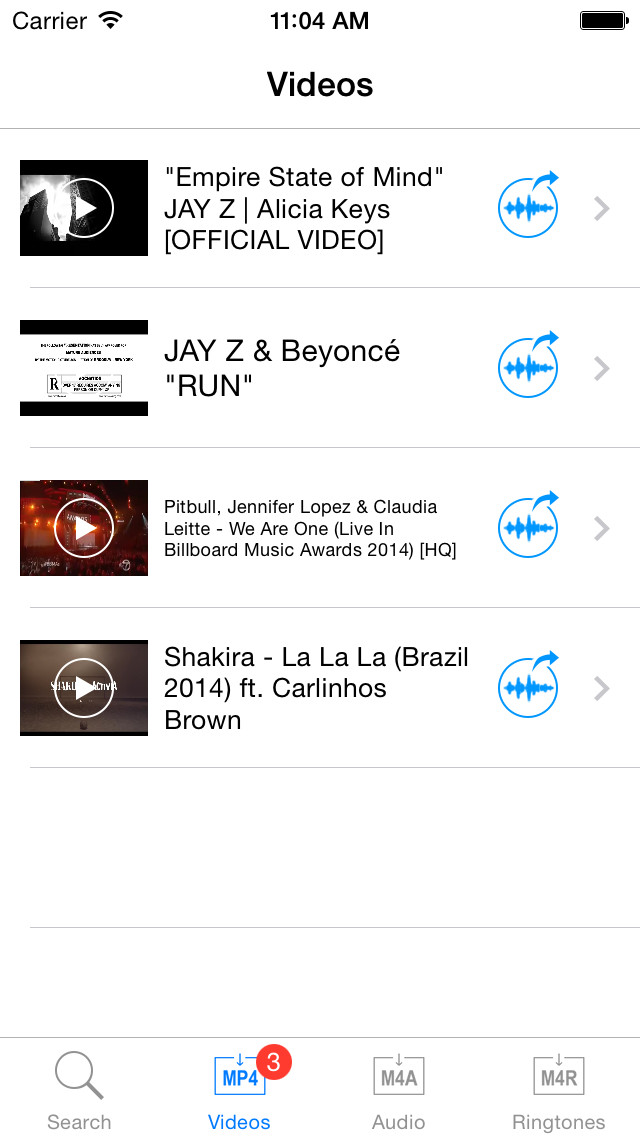
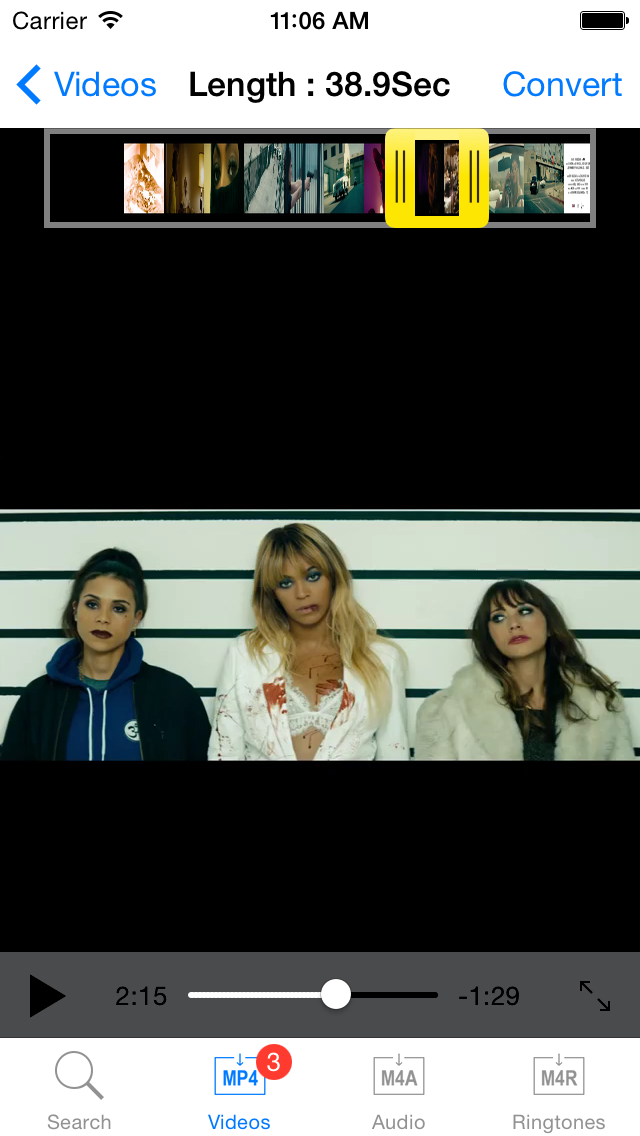
<p>How to convert videos :<br />1. Click the Videos Tab.<br />2. Select any video from the list.<br />3. Use the yellow slider to adjust audio length.<br />4. Click the convert button and select Audio or Ringtone.</p>
<p> </p>
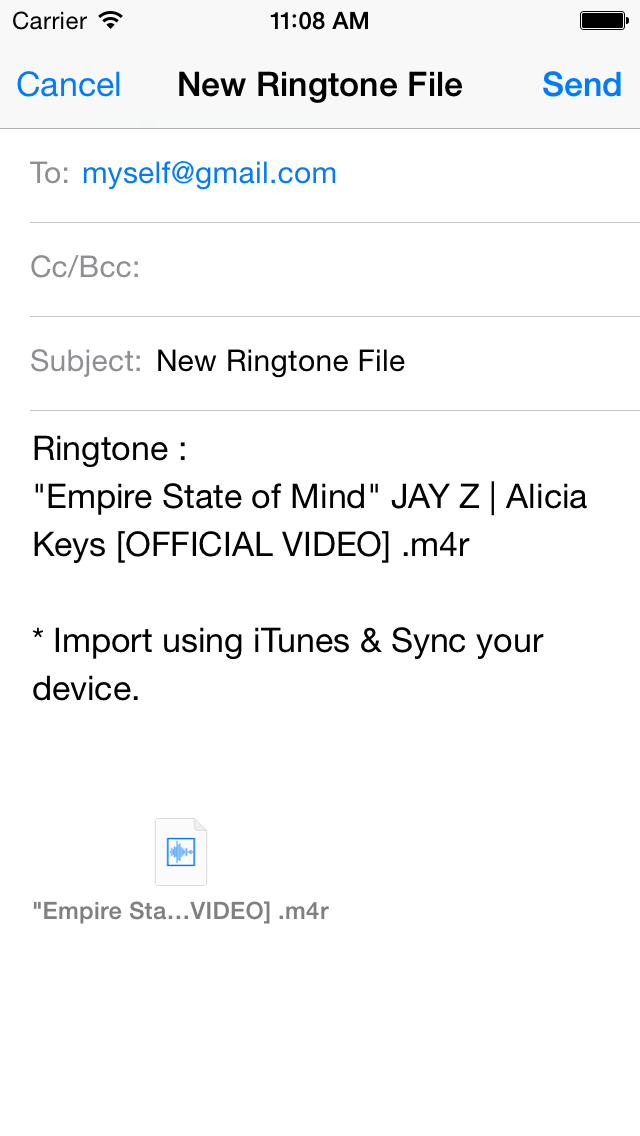
<p>How to Transfer by eMail :<br />1. Click the Audio or Ringtones Tabs.<br />2. Select file from the list and click the eMail.<br />3. Send the file to your email address.<br />4. From your computer open your email and save the new file.<br />5. Drag your audio or ringtone to iTunes and sync your device.</p>
<p> </p>
<p>How to Transfer using iTunes.<br />1. Launch iTunes on your computer. <br />2. Select your device and click the Apps tab.<br />3. Scroll down to File Sharing Tab and select "YouTuber".<br />4. Select your files and click "Save as".<br />5. Import your files to iTunes and Sync your device.</p>