<div id="yass_top_edge_dummy" style="width: 1px; height: 1px; padding: 0px; margin: -7.16667px 0px 0px; border-width: 0px; display: block;"> </div>
<div id="yass_top_edge" style="background-image: url('chrome://yass/content/edgebgtop.png'); background-attachment: scroll; background-position: center bottom; padding: 0px; margin: 0px 0px 6.16667px -6px; border-width: 0px; height: 0px; display: block; width: 315px;"> </div>
<div style="width: 315px;">
<p style="color: green; text-align: left;">Compatible with iOS 6 onwards</p>
<p style="text-align: left;"> </p>
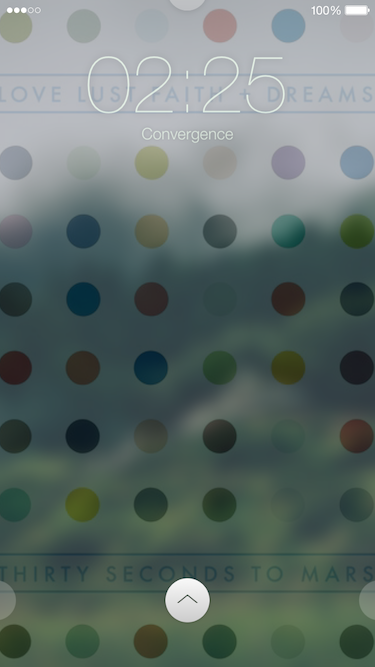
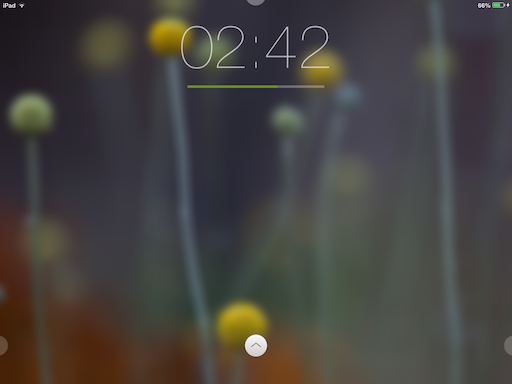
<p style="text-align: left;">Convergance is a complete lockscreen replacement for iPhone, iPod Touch and iPad</p>
<p> </p>
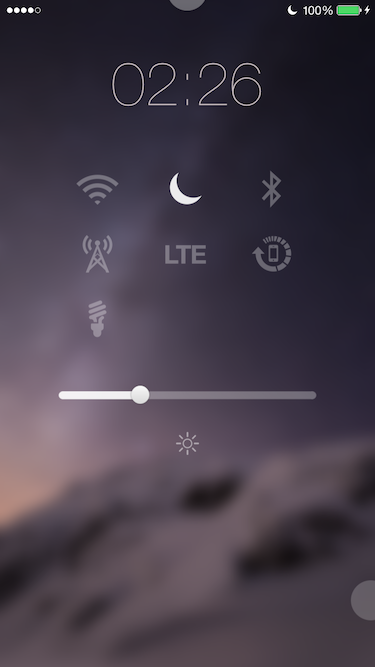
<p style="font-size: 0.75em;"><span style="font-size: x-small;">It brings a new paradigm to unlock your device, an uncluttered way of dealing with lockscreen notifications, accessible settings shortcuts, interactive widgets, and a rejuvenated design.</span></p>
<p> </p>
<p><span style="font-size: x-small;"><img style="display: block; margin-left: auto; margin-right: auto;" src="http://incendo.ws/img/Notifications_Cydia.png" alt="" /></span></p>
<p> </p>
<p style="text-align: center;"><span style="font-size: small;"><strong>Notifications</strong></span></p>
<p> </p>
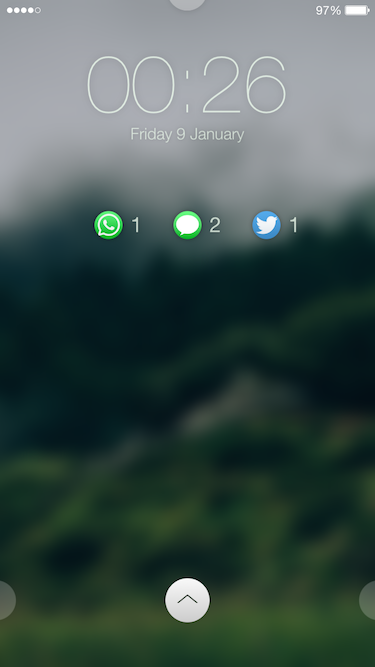
<p style="font-size: 0.75em;"><span style="font-size: x-small;">Seeing notifications in a long list makes it much more difficult to pick out which apps they are from. To combat this, notifications are now grouped by their associated app, which also makes the lockscreen look much cleaner.</span></p>
<p> </p>
<p><span style="font-size: x-small;"><img style="display: block; margin-left: auto; margin-right: auto;" src="http://incendo.ws/img/Widgets_Cydia.png" alt="" /></span></p>
<p> </p>
<p style="text-align: center;"><span style="font-size: small;"><strong>Widgets</strong></span></p>
<p> </p>
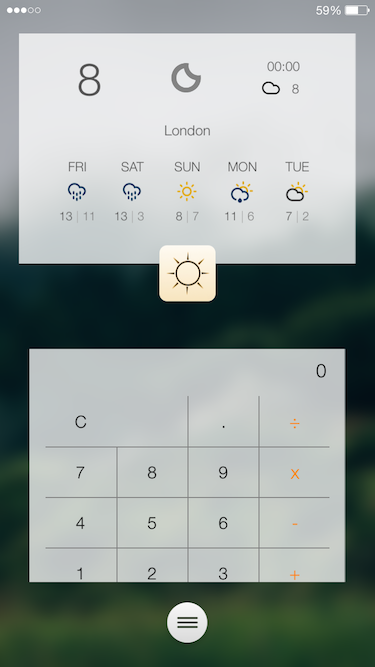
<p style="font-size: 0.75em;"><span style="font-size: x-small;">iOS provides access to information such as the weather, but there shouldn't be a need to unlock your device to view it. Convergance takes this information, and displays it directly on your lockscreen in the form of widgets. A crisp RSS reader, your calendar, a calculator, and the week's weather are all provided as default widgets, with more being available in Cydia.</span></p>
<p> </p>
<p><span style="font-size: x-small;"><img style="display: block; margin-left: auto; margin-right: auto;" src="http://incendo.ws/img/HTML_Cydia.png" alt="" /></span></p>
<p> </p>
<p style="text-align: center;"><span style="font-size: small;"><strong>HTML</strong></span></p>
<p> </p>
<p style="font-size: 0.75em;"><span style="font-size: x-small;">Support for HTML lockscreens is also built in, allowing you to continue using the custom lockscreens you love, and to tailor Convergance to your tastes. Any lockscreen from GroovyLock, LockHTML or Cydget will run without any modification, with full support for interactivity. A lockscreen dim delay is also provided in the Advanced settings.</span></p>
<p> </p>
<p><span style="font-size: x-small;"><img style="display: block; margin-left: auto; margin-right: auto;" src="http://incendo.ws/img/Launchpad_Cydia.png" alt="" /></span></p>
<p> </p>
<p style="text-align: center;"><span style="font-size: small;"><strong>Launchpad</strong></span></p>
<p> </p>
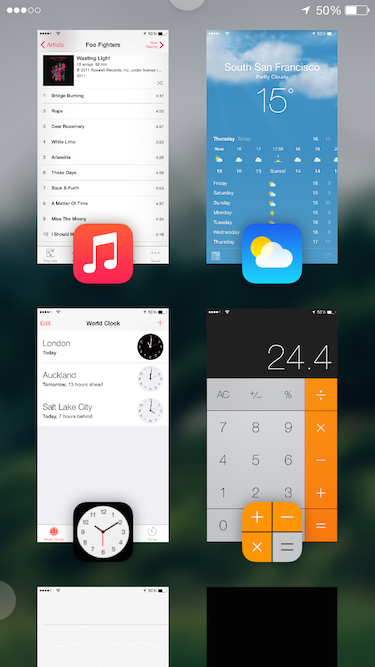
<p style="font-size: 0.75em;"><span style="font-size: x-small;">By default, iOS allows for quick access to the camera from the lockscreen. However, if you wanted to quickly access say your Twitter timeline, this isn't possible. Cue Launchpad - instant secure access to an unlimited number of apps, with just a single tap.</span></p>
<p> </p>
<p><span style="font-size: x-small;"><img style="display: block; margin-left: auto; margin-right: auto;" src="http://incendo.ws/img/API_Cydia.png" alt="" /></span></p>
<p> </p>
<p style="text-align: center;"><span style="font-size: small;"><strong>API</strong></span></p>
<p> </p>
<p style="font-size: 0.75em;"><span style="font-size: x-small;">For developers, APIs are exposed to build your own widgets. More information can be found at <a href="http://incendo.ws/projects/Convergance/Resources.html">http://incendo.ws/projects/Convergance/Resources.html</a>, and feel free to email if needs be.</span></p>
<p> </p>
</div>
<div id="yass_bottom_edge" style="background-image: url('chrome://yass/content/edgebgbot.png'); background-position: 0px 0px; position: absolute; margin: 0px; padding: 0px; border-width: 0px; height: 0px; left: 0px; top: 1423px; width: 100%; display: block;"> </div>