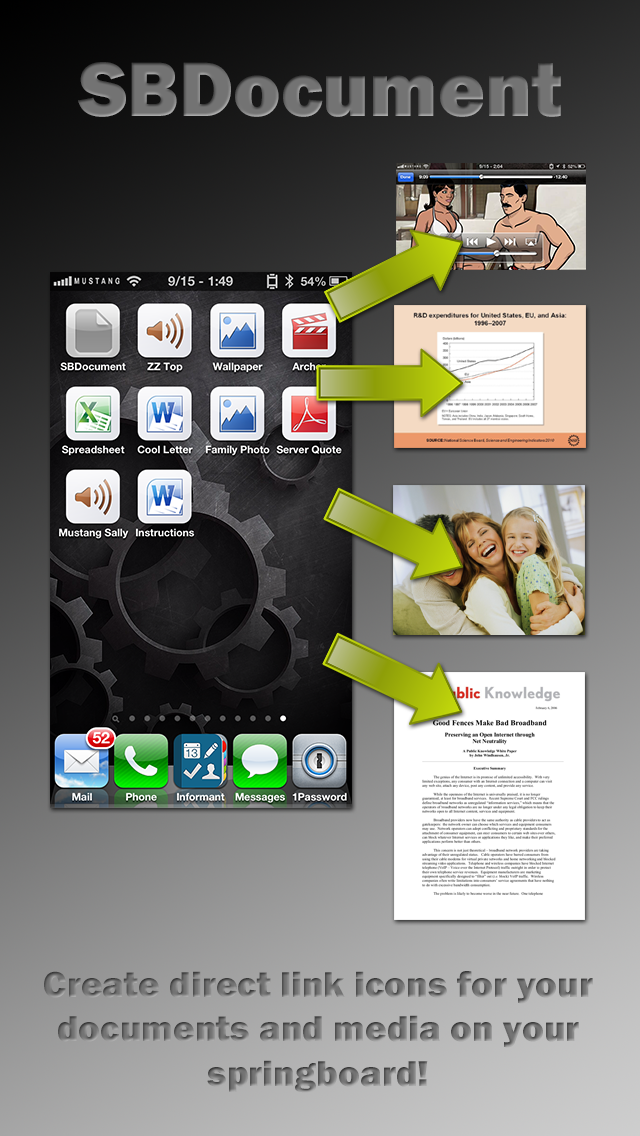
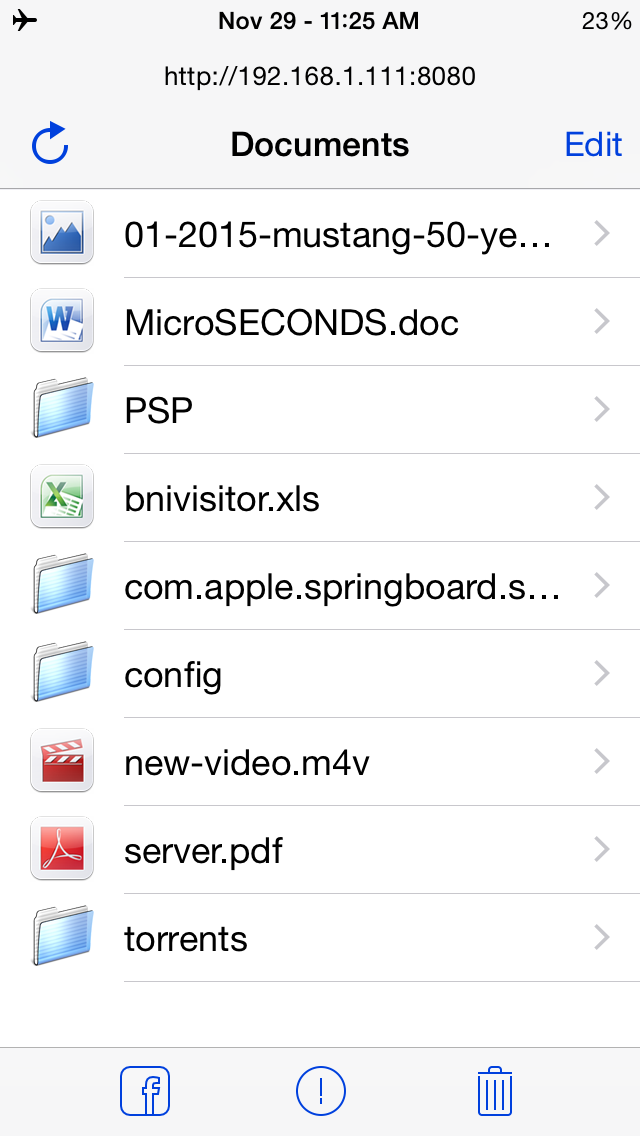
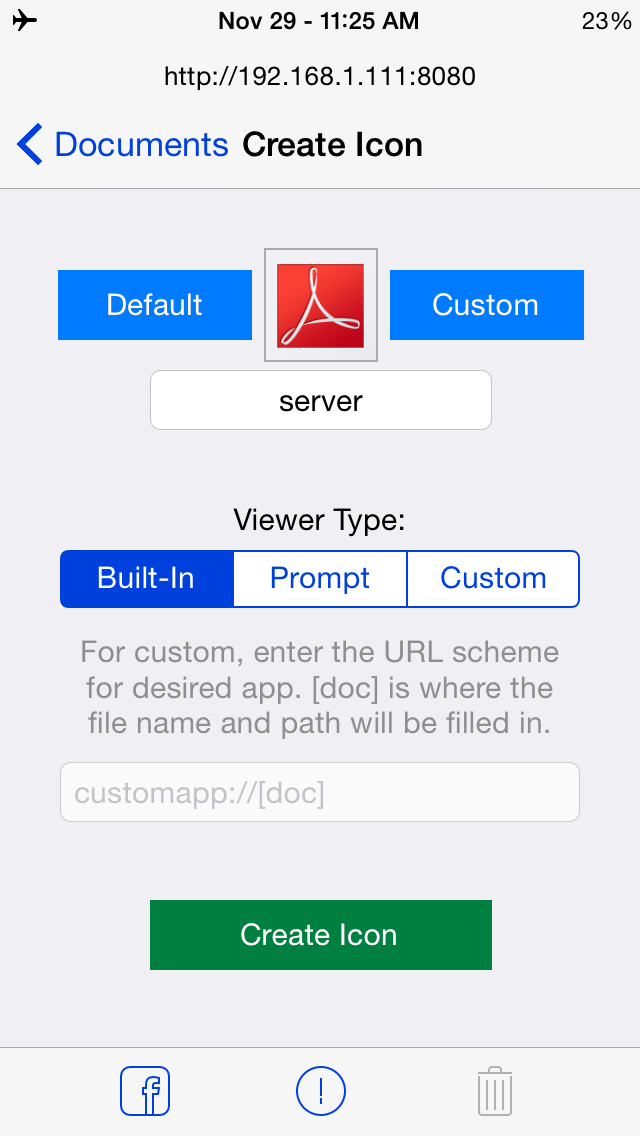
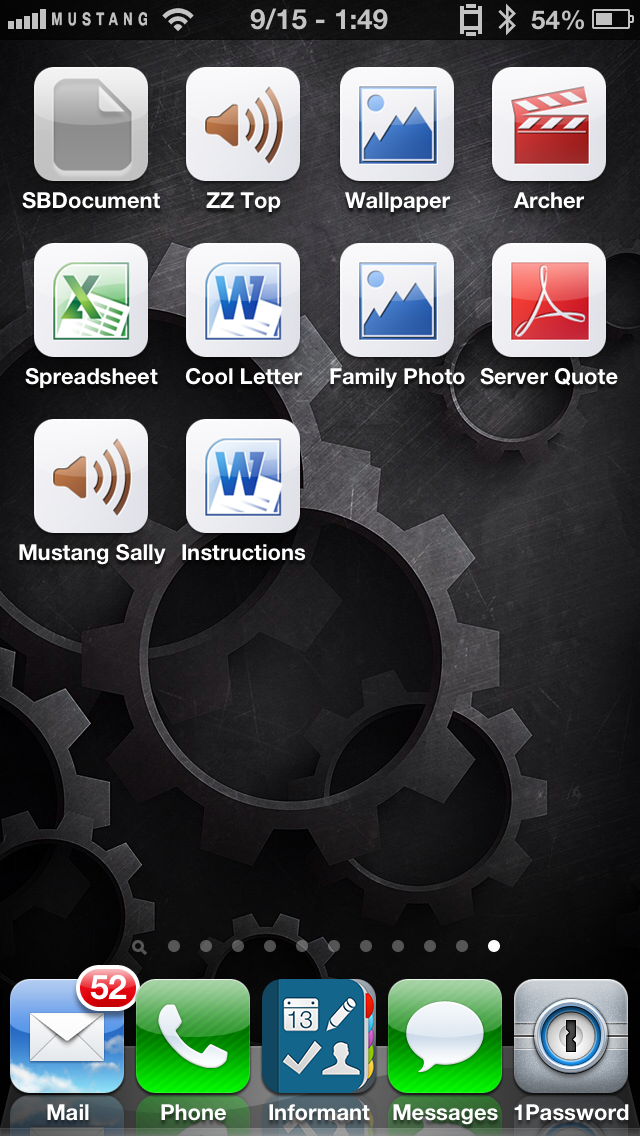
<p><strong>COMPATIBLE WITH iOS 8.x AND iOS 7.x.</strong> SBDocument lets you create direct springboard icons for most popular file types, such as Word, Excel, PDF, PowerPoint, Pages, Numbers, Videos, Music and Pictures. The files will open using SBDocument's built in viewer or you can specify it to prompt you or create a custom URL (advanced). SBDocument features a Wi-Fi file server, so you can directly upload files to your device's Documents folder, and then select the file from there. Just point your browser to the URL displayed at the top of the SDDocument window. Be sure to press the "refresh" button at the top of the SBDocument window after uploading files. Please note that the files you upload require the proper file extensions, such as .doc or .docx for a Word file and .pages for a Pages file. Instructions: Simply upload and select the document file you want to make an icon for. Then select the default icon, or create your own by taking a photo or selecting from the camera roll. Then set the caption for the icon. Select the Viewer Type option and create the icon. There is also the ability to select a custom URL scheme including the full document path and name where the [doc] parameter is. This will allow you to open the file with any app that supports a URL scheme. For example, if you wanted to document file to open with iFile your URL would be: ifile://[doc]. The custom URL option should make for a lot of creative things to be done! SBDocument and its viewers are full-screen compatible with the iPhone, iPod, iPad. From the creator of iBlank.</p>