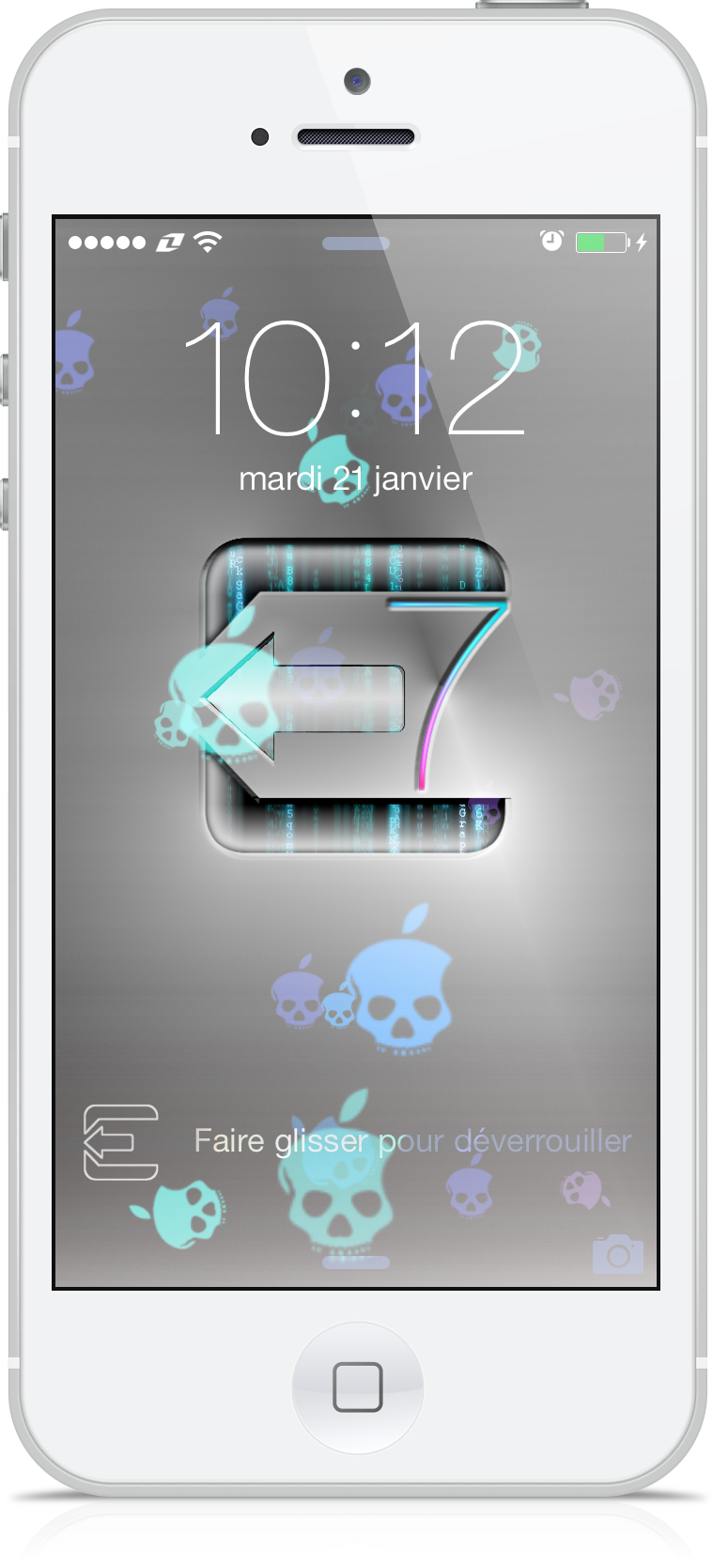
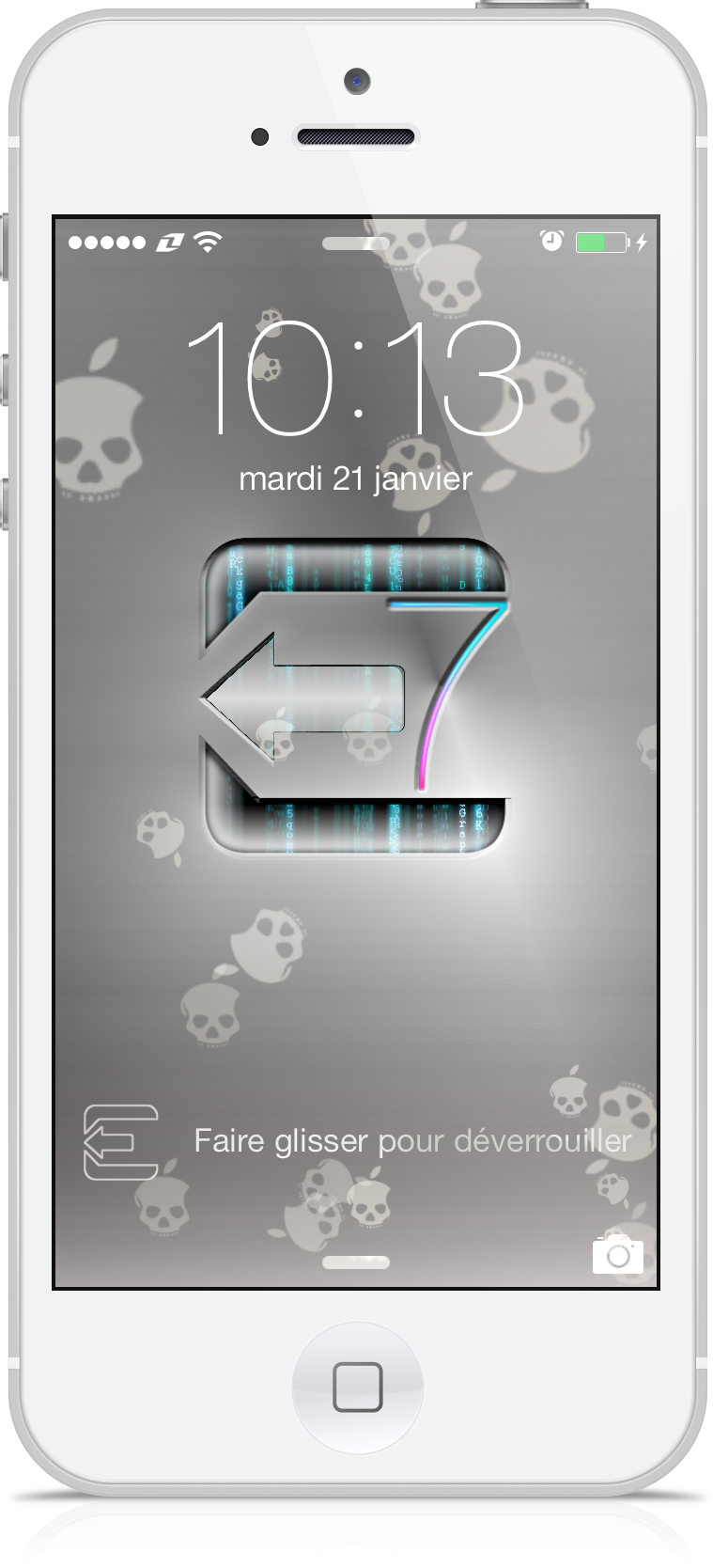
<p><strong>evasi0n7 Dynamic Wall</strong>: a dynamic background screen with the image of the now famous team of hackers. A colored 7, mixed at the logo, highlighting their recent accomplishment. The dynamic effect is itself provided by the "apples dead" colored or not, which float with grace in your iPhone. Icing on the cake, the famous symbol will replace the chevron which unlock your lockscreen.</p>
<p>Once activated in WinterBoard, into Settings > Wallpapers & Brightness > Choose one image. <span style="font-size: x-small;">(The previews thumbnails still show circles.)</span></p>
<p> </p>
<p> </p>
<p><strong>iPhone iOS7 </strong>&<strong> WinterBoard www.team-iphone.fr</strong></p>
<p> </p>
<p><span><strong>evasi0n7 Dynamic Wall</strong> : un fond écran dynamique à l'effigie de la désormais célèbre équipe de hackers. Un "7" au couleur de l'iOS 7 a pris place à coté du logo, mettant ainsi en avant leur récent exploit. L'effet dynamique est quant à lui assuré par des "pommes de mort" colorées, ou pas, qui flotteront avec grâce dans votre iPhone. Cerise sur le gateau, le fameux symbole remplacera le chevron de déverrouillage de votre lockscreen.</span></p>
<p><span data-mce-mark="1">Une fois activé dans WinterBoard, dirigez-vous dans</span><span data-mce-mark="1"> Réglages > </span><span data-mce-mark="1">Fonds d'écran et luminosité > Choisir un fond d'écran et là touchez une image.</span></p>
<p><span style="font-size: x-small;" data-mce-mark="1">(Les vignettes d'aperçus montreront encore des cercles.)</span></p>