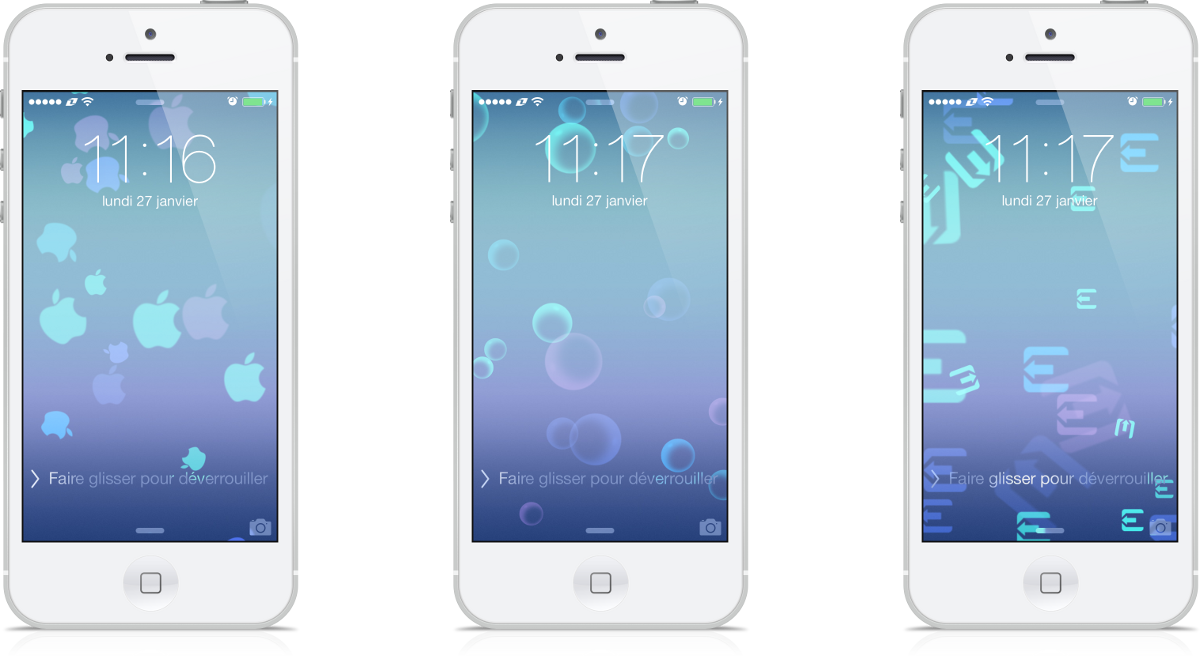
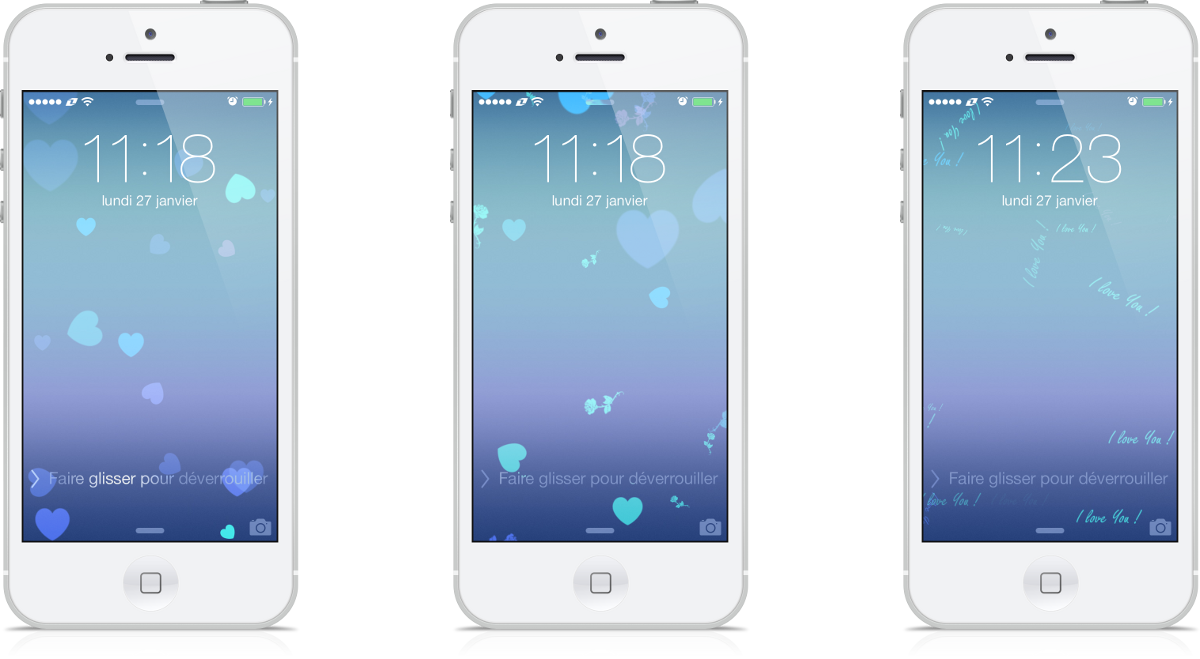
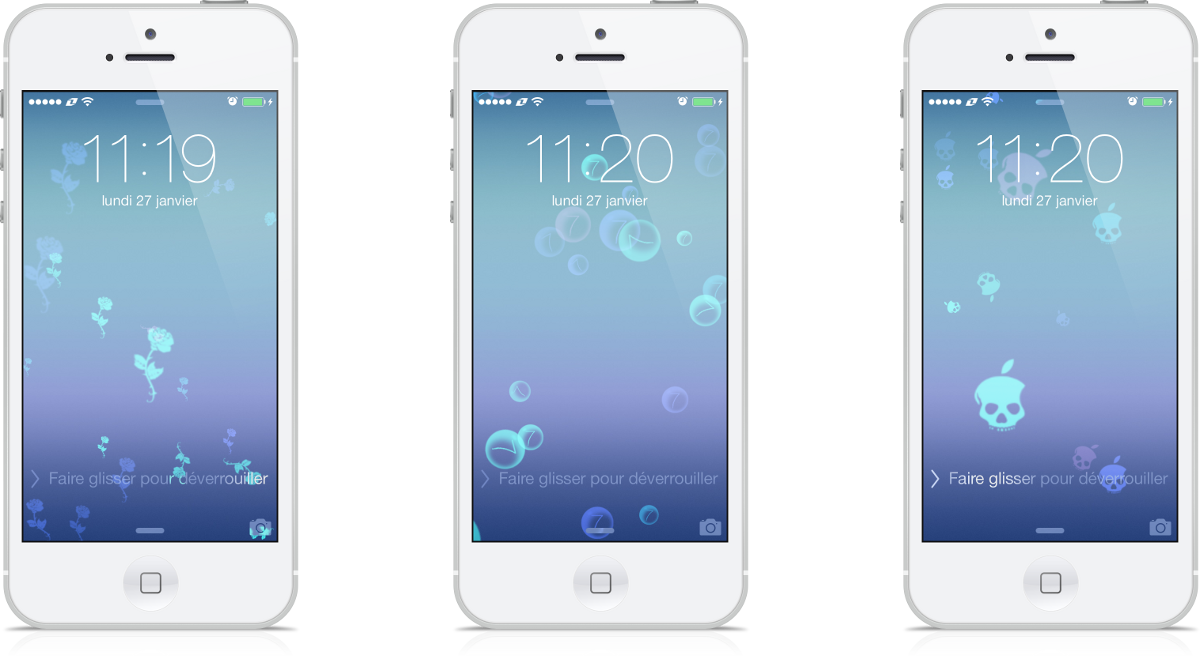
<p>If Apple offers us different backgrounds to be applied with the dynamic effect, it is unfortunate that only circles are available to animate them. </p>
<p>Developed by the team of TiP's Creators, <strong>Floating Pack Dynamic Wall</strong> therefore proposes to varied pleasures with a collection of symbols to make happily float.</p>
<p> </p>
<p>Once activated in <strong>WinterBoard</strong>, go into Settings > Wallpapers & Brightness > Choose one image - Only the circles will be impacted by this issue. </p>
<p>Compatible with <strong>any iDevice</strong>, with native dynamic wallpapers (<strong>iOS7</strong>).</p>
<p> </p>
<p><strong>http://www.team-iphone.fr</strong></p>
<p><strong> </strong></p>
<div>Si Apple nous propose différents fonds à appliquer avec l'effet dynamique, il est dommage que seul des cercles soient disponibles pour animer tout ça.</div>
<div>Développé par l'équipe de TiP's Creators, <strong>Floating Pack Dynamic Wall</strong> vous propose donc de varier les plaisirs avec toute une collection de symboles à faire joyeusement flotter. </div>
<div>Une fois activé dans <strong>WinterBoard</strong>, dirigez-vous dans l'onglet "<em>Fonds d'écran et Luminosité</em>" de vos réglages puis sélectionnez le fond natif de votre choix… Seul les cercles seront impactés par ce thème. </div>
<div>Compatible <strong>tout iDevice</strong>, disposant nativement des fonds dynamiques (<strong>iOS7</strong>). </div>