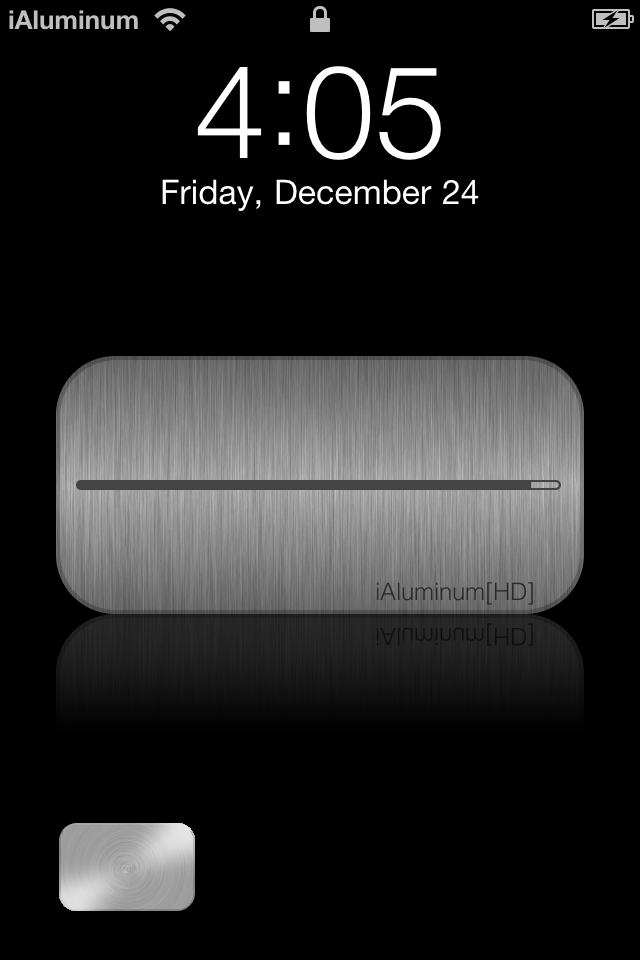
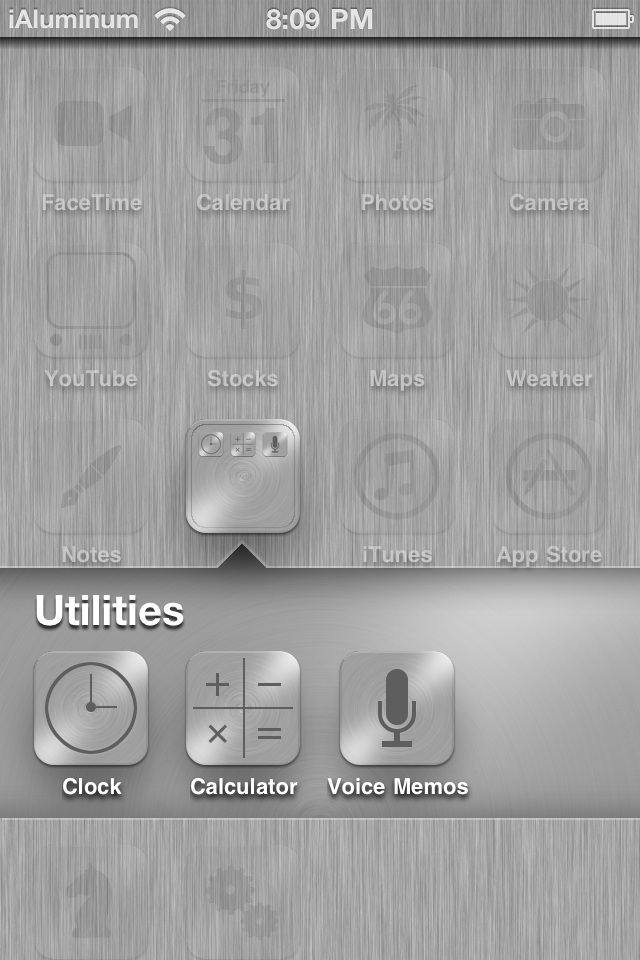
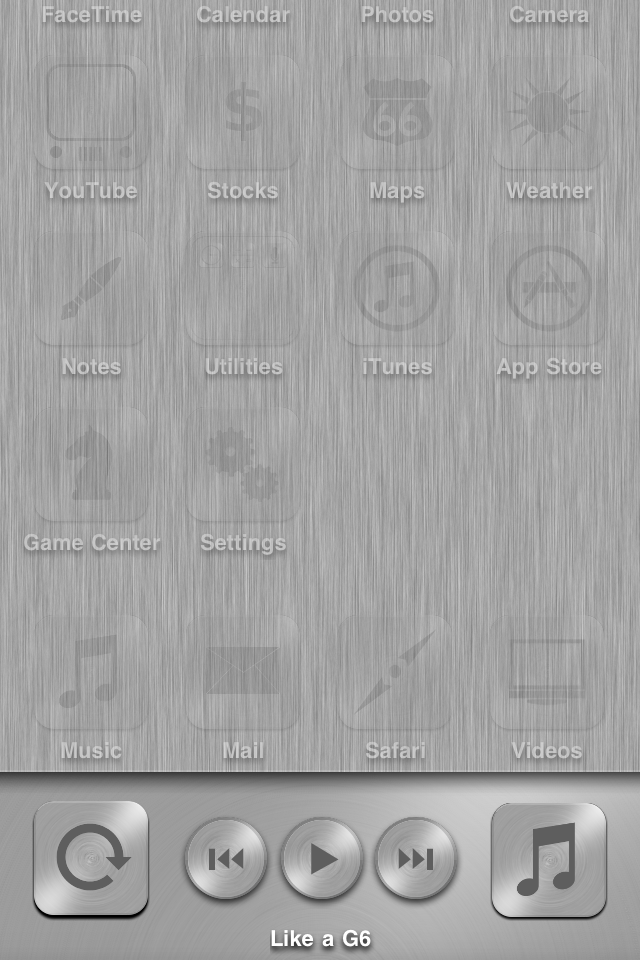
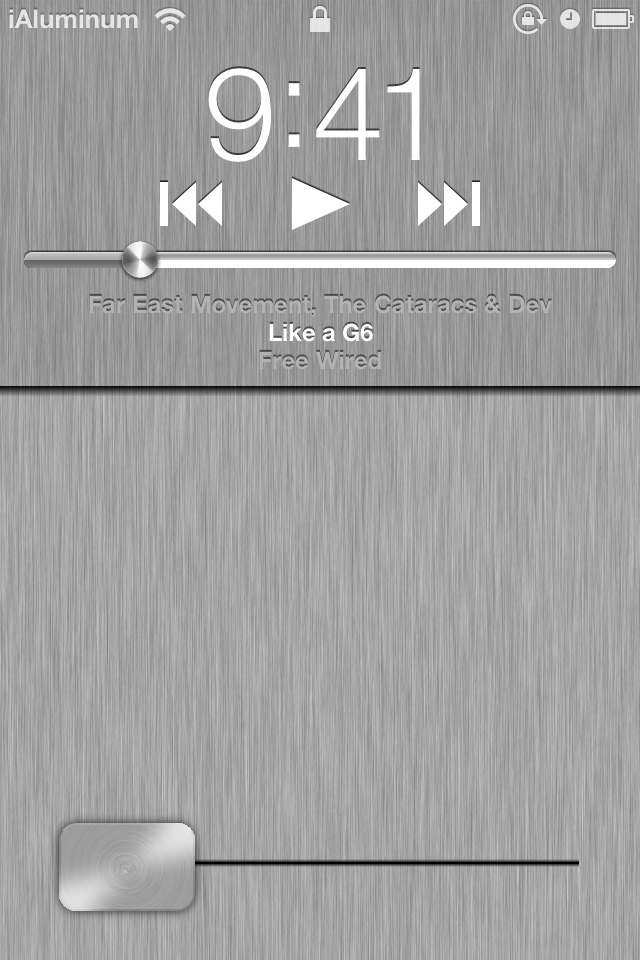
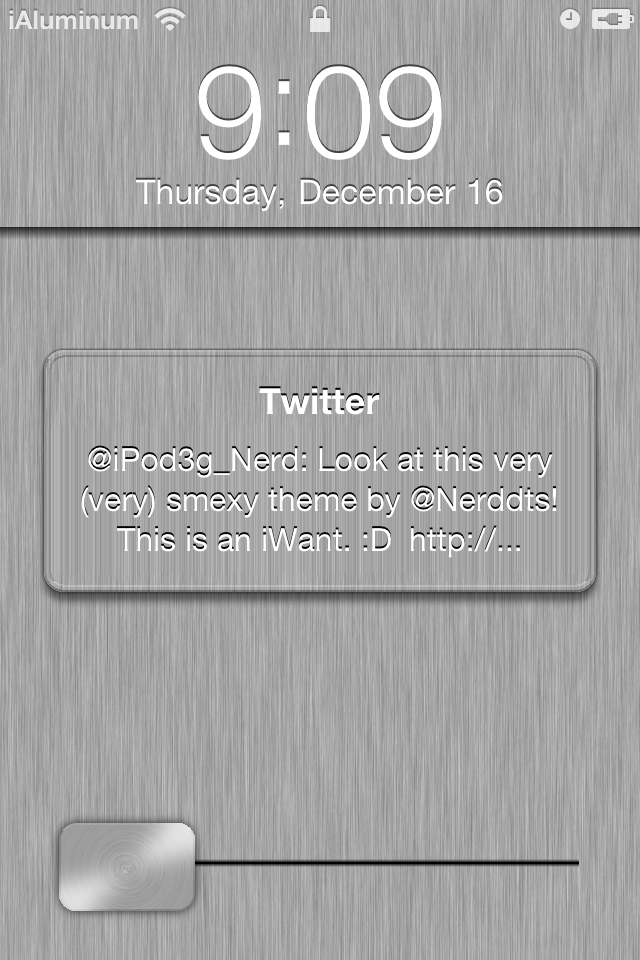
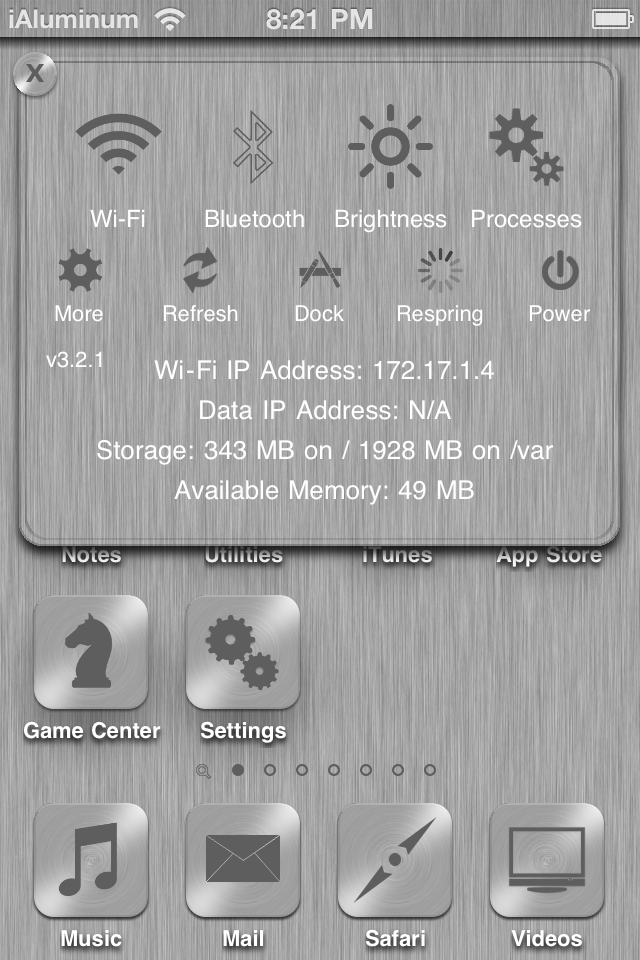
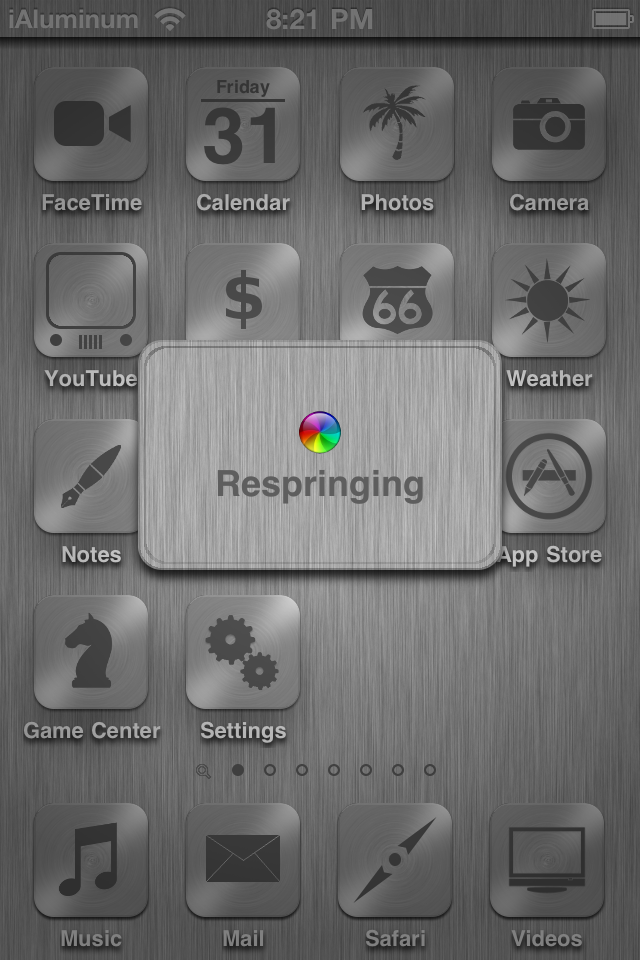
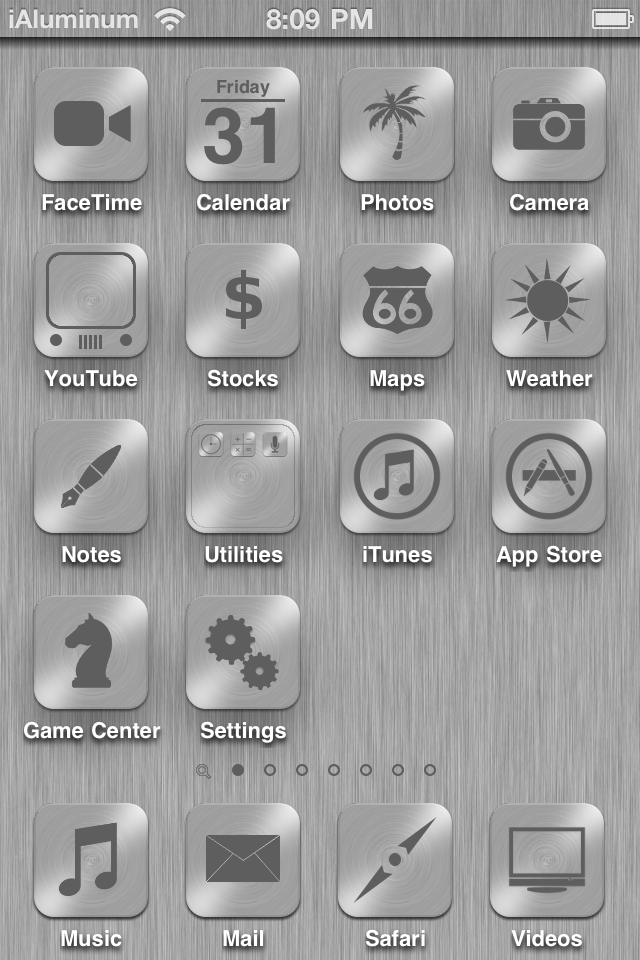
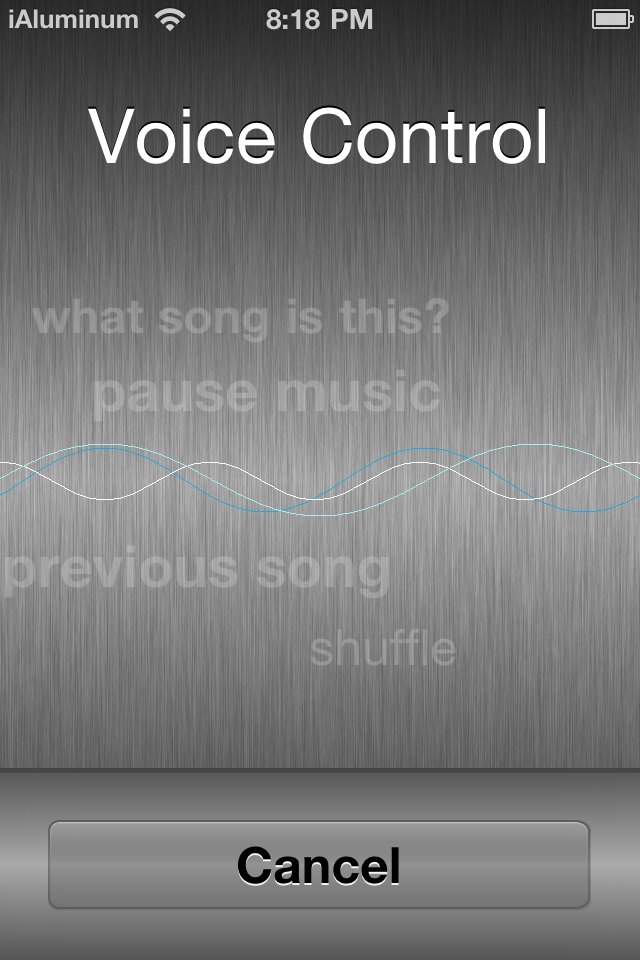
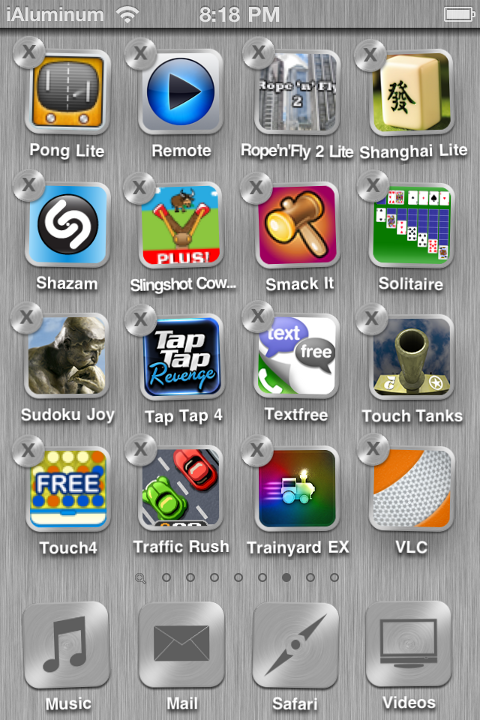
iAluminum[HD] is a unique theme that overhauls your entire device with a sleek, brushed aluminum look for iPhones and iPod touches. This theme supports both HD and non-HD devices with a smooth appearance on both. Fully compatible with iOS 4.0 and up, this theme features:
• Over 60 themed icons
• Auto-rendering AppStore Icons
• SBSettings theme
• Major UI changes
How to set up the theme:
1) Make sure WinterBoard and this theme is downloaded of course :P.
2) Select the desired parts of the theme in WinterBoard (select all of them for best experience) and respring. SummerBoard mode can be off.
3) Open Settings.app > Wallpaper > Wallpaper and set the wallpaper as labeled on the thumbnails.
4) If you are on 4.1 or above, use SSH or iFile to delete /var/mobile/Library/Caches/com.apple.SpringBoard.folderSwitcherLinen. There may be multiple files with numbers appended to the end – delete them all. Don't worry, they're only caches; it is only keeping iAluminum[HD] folder/multitasking background from working right. Respring again to regenerate the cache with the themed background.
5) If you have SBSettings, bring it up and tap “more”. Navigate to “SBSettings Theme” and Select iAluminum[HD]. Exit the app and allow it to automatically respring.
6) Done!
(These instructions can also be found in the theme folder.)
I included an icon template; it can be found in the theme folder. This is for making icons for yourself or to submit to me privately for future updates only. Do not distribute it or icons made with it please!
Support for iAluminum[HD] does not end here! I am planning these free updates in the future:
• iAcces keyboard
• More SBSettings toggles
• More Icons
Enjoy :)