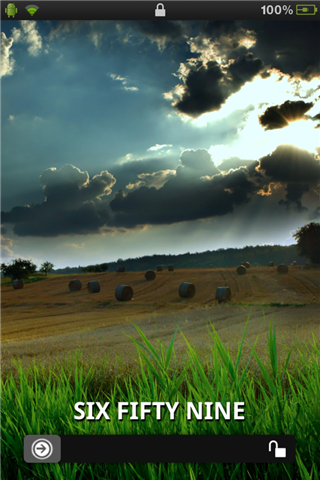
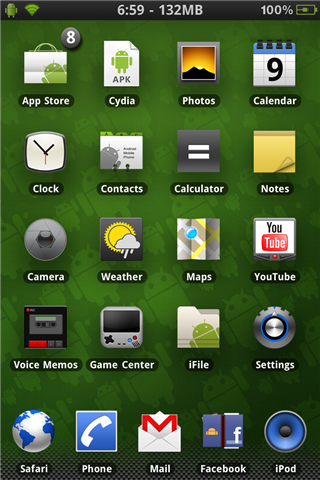
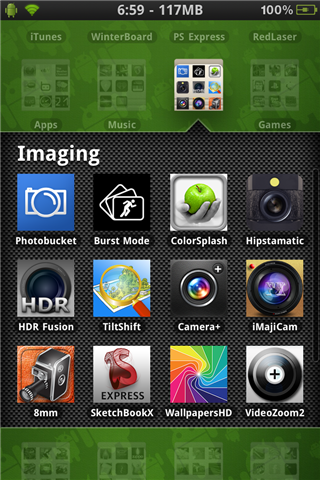
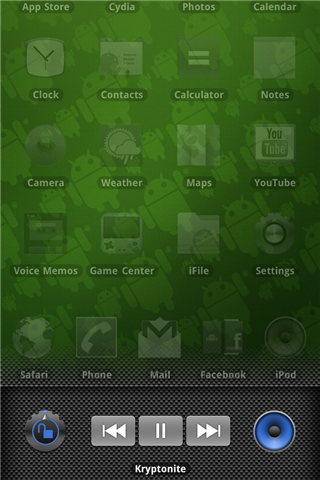
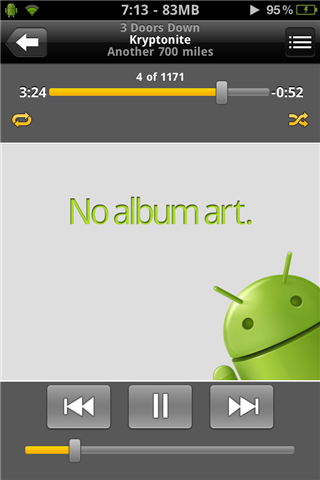
iDroid HD was created because of the lack of HD Android themes. It uses a variety of different elements, such as a lockscreen with a time widget, fully themed springboard, including folders, multitasking, and music controls, and a themed music app. iDroid is meant to capture the look of Android on your iDevice.
Currently supports all iDevices running iOS4. It wasn't tested on a non-retina device, but it should still work because it includes SD images, along with the double-sized HD images for your iPhone 4's and iPod Touch 4th gens.
Setup is simple, but a few things need to be done to make it work properly. 1: You need to rename the AppIconMask@2x.png and AppIconMask.png files located in /system/library/PrivateFrameworks/MobileIcons.framework/. Don't delete these files just in case you want to change themes later on. 2: To set the lock screen background, transfer your favorite wallpaper in .PNG format to /private/ and name it 1.PNG(make sure .PNG is uppercase!) 3: To see the folder/switcher backgrounds, you need to delete the 4(four) com.apple.Springboard.folderSwitcherLinen files located in /private/var/stash/mobile/Library/Caches.
Also check Cydia for "iDroid HD SBS": An SBSettings theme to go with iDroid!
Special thanks to these guys for letting me use their resources: bharath666, Gavin, Li-ion, alpercakici, and benbackman.
***Wallpaper and Lock wallpaper not included. Please choose your own***