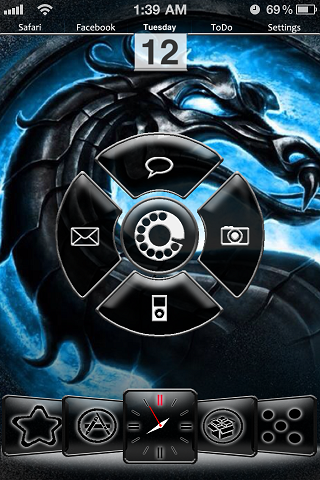
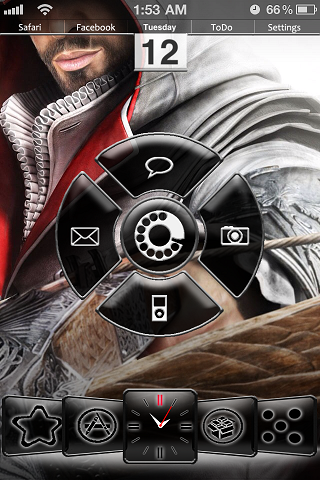
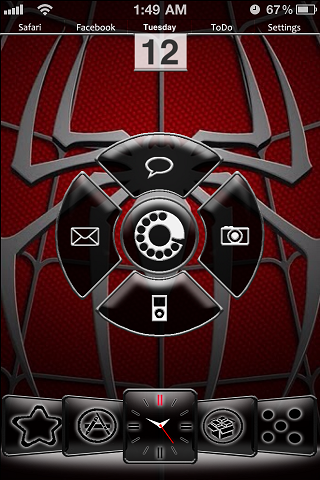
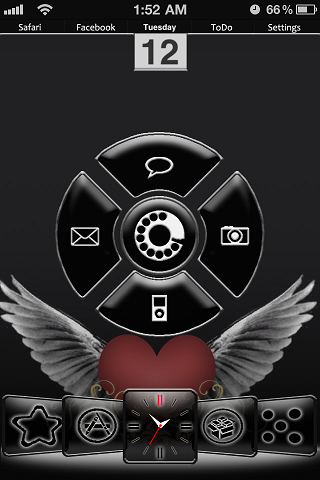
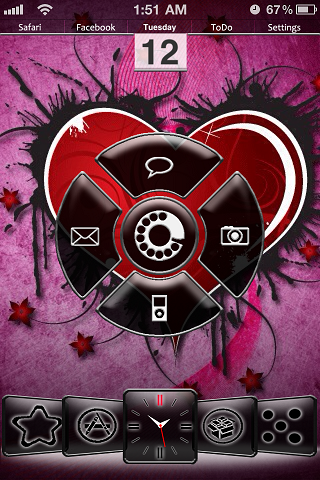
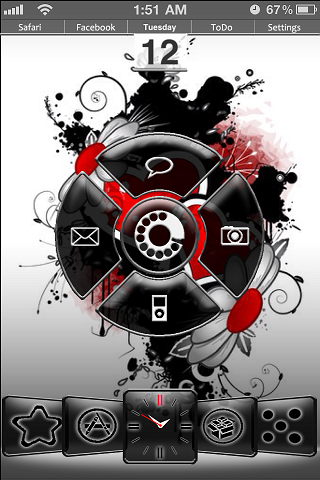
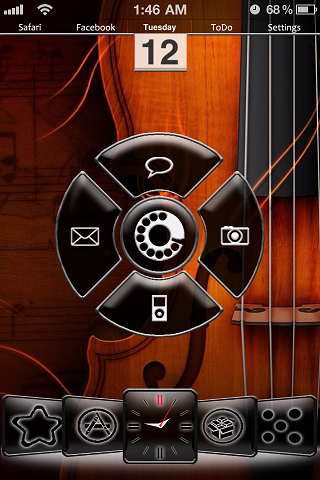
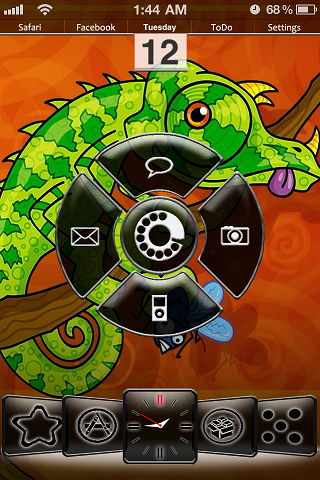
<p>{See description and leave comments at http://jaynoir.blogspot.com/p/themes.html or mail me at jaynoir.dev@gmail.com} This iPhone Winterboard theme works with iOS 4.*, and should work with older iOSs, although I haven't had the opportunity to test it. It works properly using the following: (1) Five-Column SpringBoard: or something similar that allows 5 columns on icons; but have only 4 rows (tweaks like FiveIrows might mess up the icon placement). (2) Shrink: page (undocked) icons are shrunk to 90%, docked icons are kept at 100%, and titles for both docked and undocked icons are hidden. (3) SpringJumps: except for LiveClock, the docked icons are actually page icons: home/console page ("Page 1", the star), apps ("Page 2", the Appstore logo), Cydia apps ("Page 5", Cydia logo) and games ("Page 6", dice). These can be easily renamed in the Icons folder via SSH or iFile and used for whatever page that works for you. Note that SpringJumps only uses 64x64 icons even in iOS 4.*, so the retina-display equivalents are not included. *LiveClock: center icon in the dock uses the LiveClock icon; the .plist file is included in the package so LiveClock does not have to be downloaded separately. (4) iBlank: or something similar that allows you to arrange the icons accordingly on page 1. Safari-Facebook-Calendar-ToDo-Settings empty-empty-Messages-empty-empty empty-Mail-Phone-Camera-empty empty-empty-iPod-empty-empty dock: Page 1-Page 2-Clock-Page 5-Page 6 (5) Appigo ToDo: the "ToDo" icon opens the Appigo ToDo app if you have it. If you don't have it, you can rename the icon with any other task-management app in the Icons folder in your iPhone using SSH or iFile. The folder would be here: /var/stash/Themes.******/jaynoir.theme/Icons/</p>