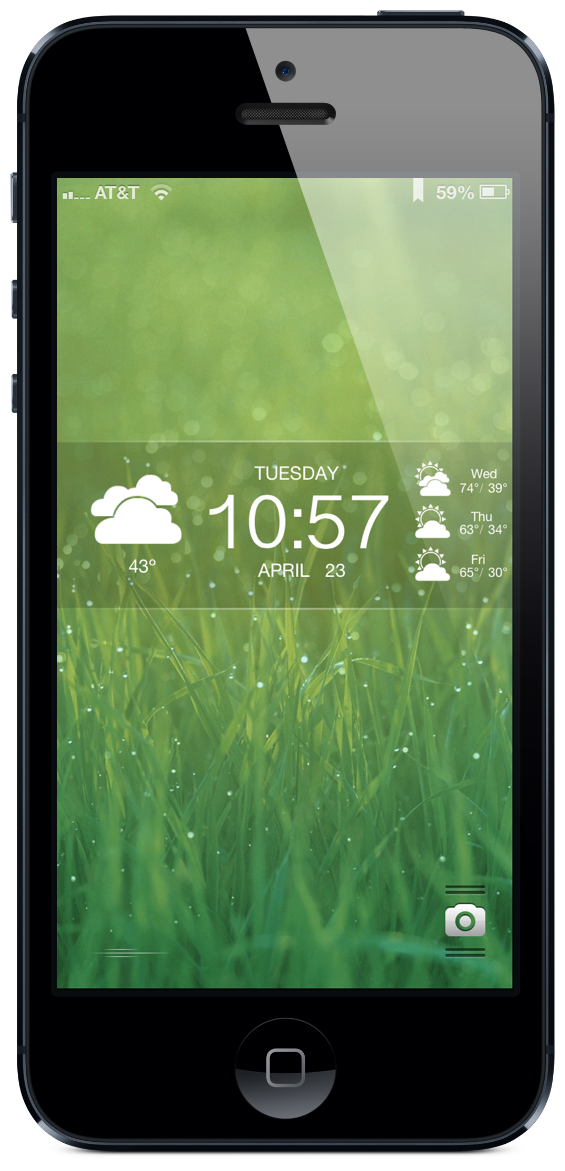
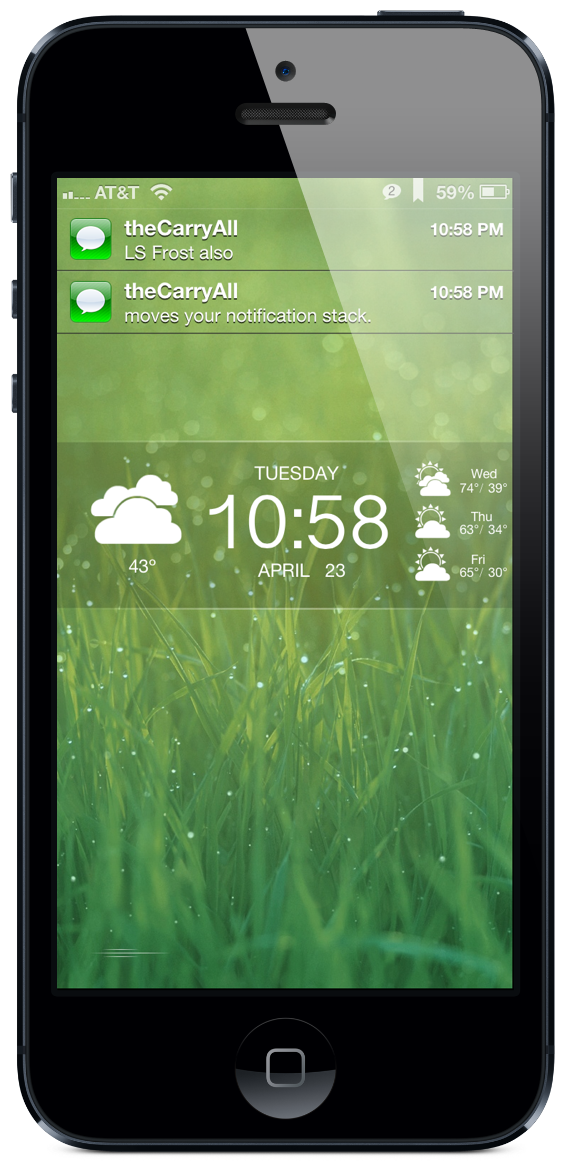
<p>Based on the original <a title="Frost LS" href="http://technouse.deviantart.com/art/Frost-LS-187596841">Frost LS by technouse</a> and adapted under the <a title="CC license" href="http://creativecommons.org/licenses/by-nc-sa/3.0/">Creative Commons license</a> for use on the iPhone 5. </p>
<p> </p>
<p>Installation notes:</p>
<p>Note that almost every question you could have is answered <em>in the included readme file</em>, along with instructions on repositioning theme elements. Check there first!</p>
<p> </p>
<p>To hide your lock screen clock, use Lockscreen Clock Hide. If you use Springtomize2's "Hide Top Bar" feature your notifications may not be repositioned.</p>
<p> </p>
<p><span>To change your weather location, o</span><span>pen the LockBackground.html file in a text editor and scroll down to the line that begins with 'var locale=' and change your location there. For overseas locations see the FAQ link below.</span></p>
<p> </p>
<p><span>To change to Celsius, locate the 'var isCelsius=' line and set it to 'true'.</span></p>
<p> </p>
<p><span>To change your wallpaper, replace LockBackground.png in the theme folder with your own image. Use the same filename. The wallpaper shown here is a default iOS wallpaper; find it in your Settings app.</span></p>
<p> </p>
<p><span>To change to a 24-hour clock, follow instructions at http://jackjohnbrown.com/lsfrostfaq</span></p>