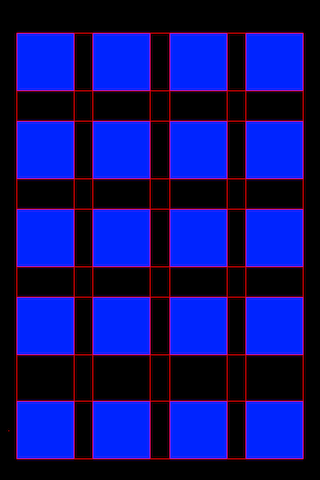
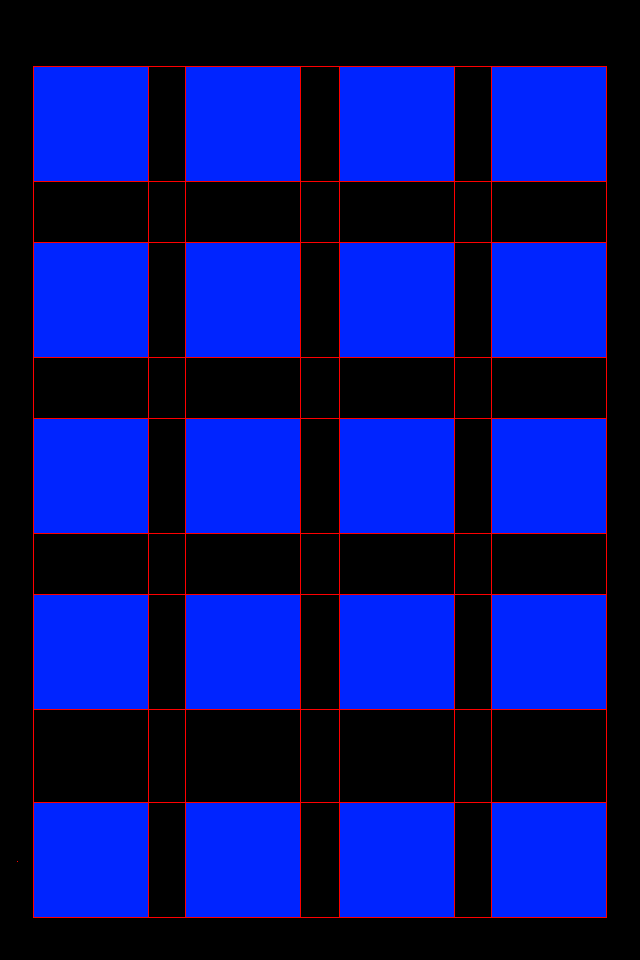
<b>This is a developer tool mostly. Others may find it useful, too, but I doubt it. And yes, of course it supports the Retina display. ;) Hope you find it useful.</b><br /><br />
A lot of developers make tweaks that mess with icon placement on the homescreen. Sometimes, that results in icons being out of place, even slightly. That can mess with a lot of themes that require your icons to be snapped perfectly to the grid that iOS forces them into. If a developer makes a tweak that pushes the icons even one or two pixels out of that grid, the theme doesn't look good.<br /><br />
This package is for developers who make those types of tweaks. It adds a single additional wallpaper to the built-in iOS wallpapers (Settings > Wallpaper > Wallpaper, I put it there so you don't need WinterBoard and don't have to respring!). Set the image as your wallpaper, then make sure that your icons are lined up correctly. You should be able to see a one-pixel red border on all sides of each icon (including the Dock). If you can't see the red, you've gone too far to one direction. The blue squares show where each icon will end up. If you can see blue, your icon is too far to one side (and you probably can't see the red on the opposite side). This works best with the stock iOS/App Store icons, rather than themed ones that may be different sizes.<br /><br />
Last note: when using an iPod touch, the PlaceMat wallpaper will not be at the end of the list of wallpapers. It will be somewhere near the end, just before the iPod-themed ones.