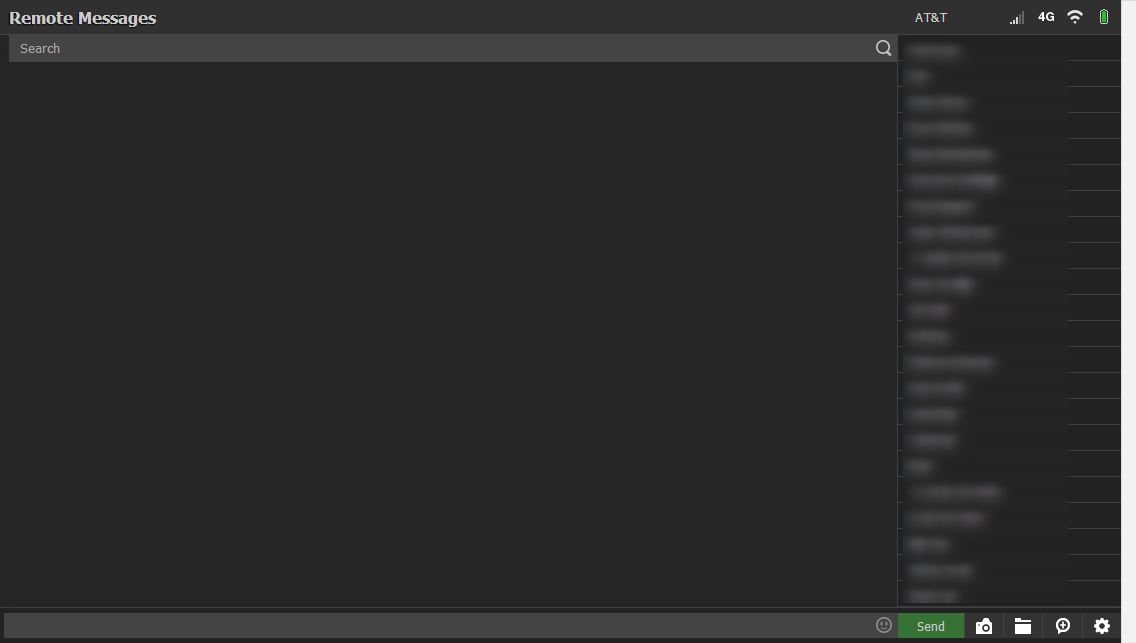
<p><span>To activate this theme, click the Settings icon in your Remote Messages client and choose the "Dark" theme in the Appearance tab.</span></p>
<p> </p>
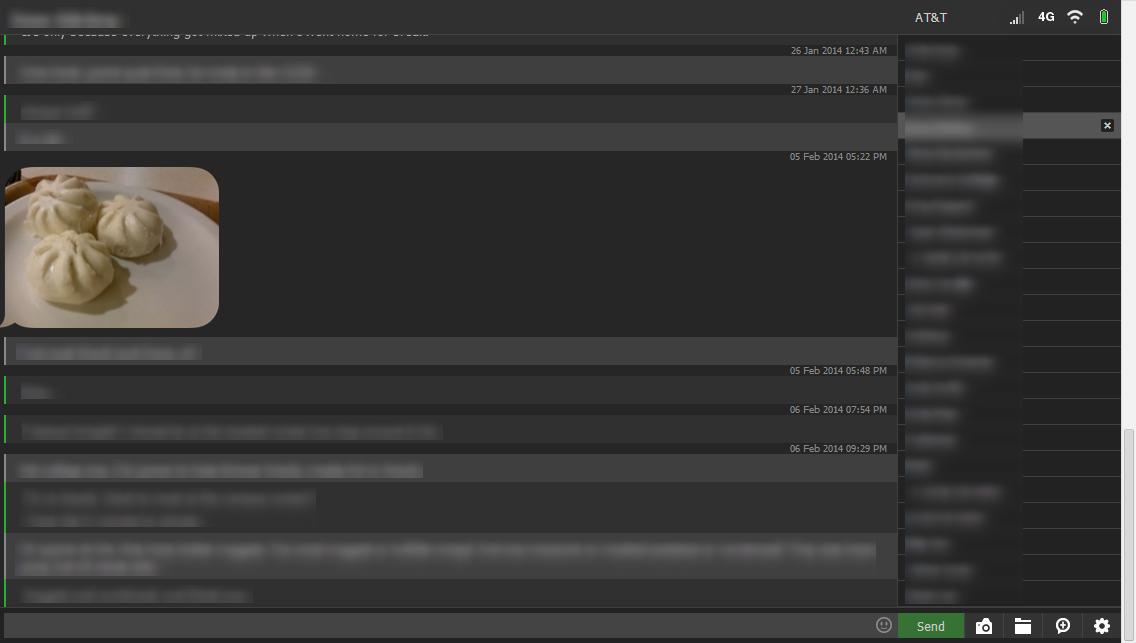
<p><span>This is a heavily-customized theme for Remote Messages which focuses on readability and simple visual cues. Unlike the default themes, this theme is formatted similarly to PC chat clients, eliminating the zig-zagged bubbles that don't do so well on a wide PC monitor.</span><br /><br /><span>Icons for sending, typing, deleting messages, and more have been replaced by attractive, yet non-intrusive colored ribbons. For instance, your messages will have a colored ribbon to the left: green for SMS, or blue for iMessage. The ribbon pulses white while your message is sending. Mousing over messages will display a red ribbon, which can be clicked to delete the message.</span></p>