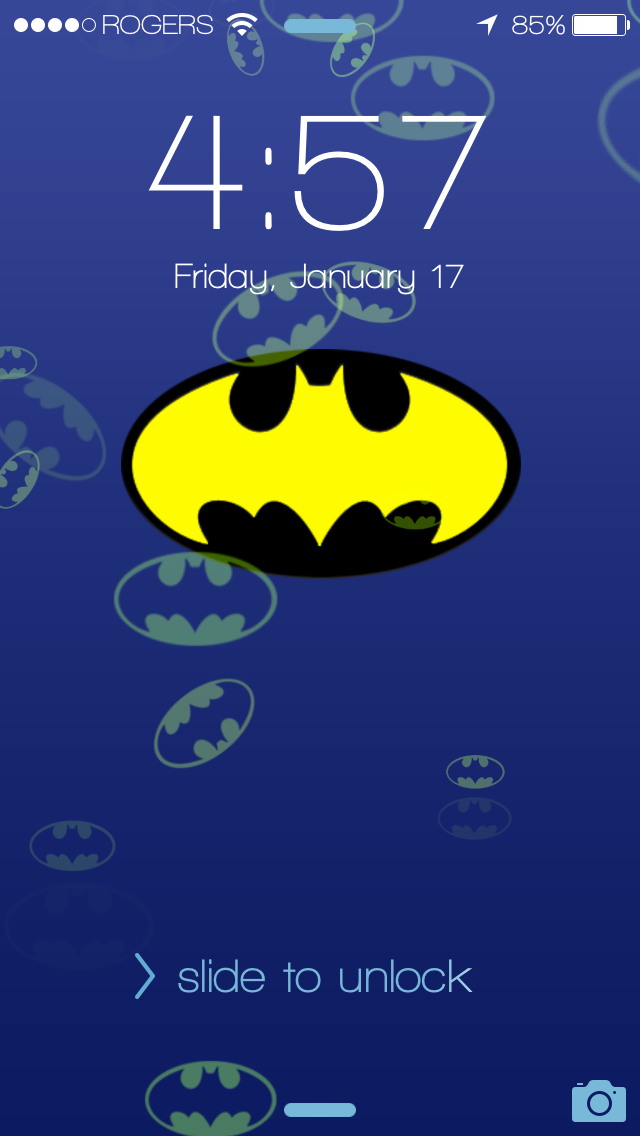
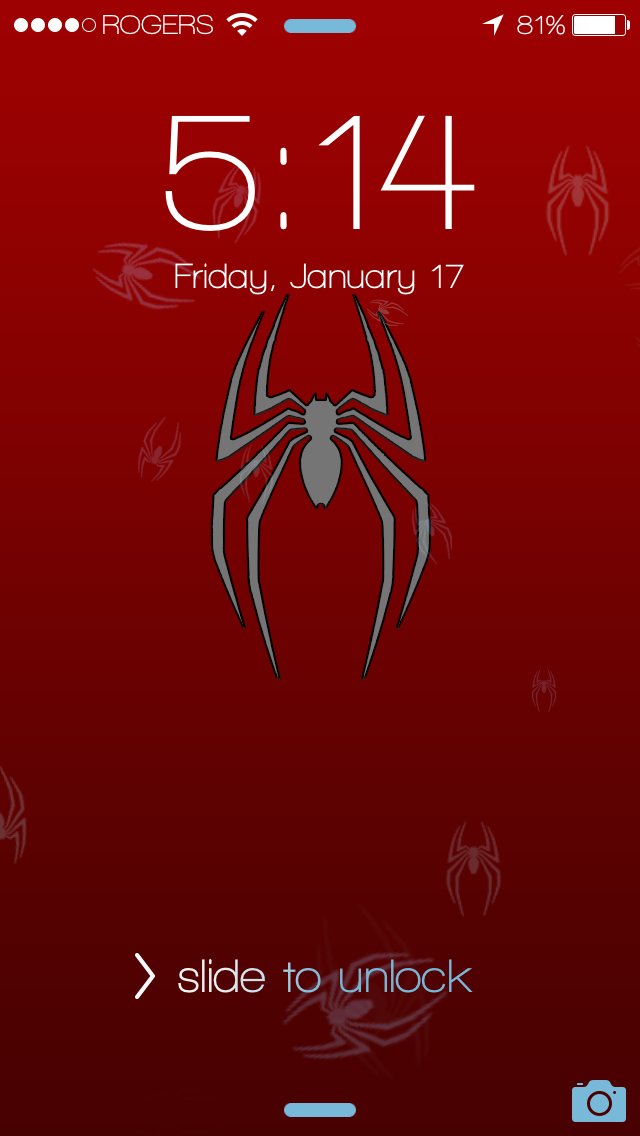
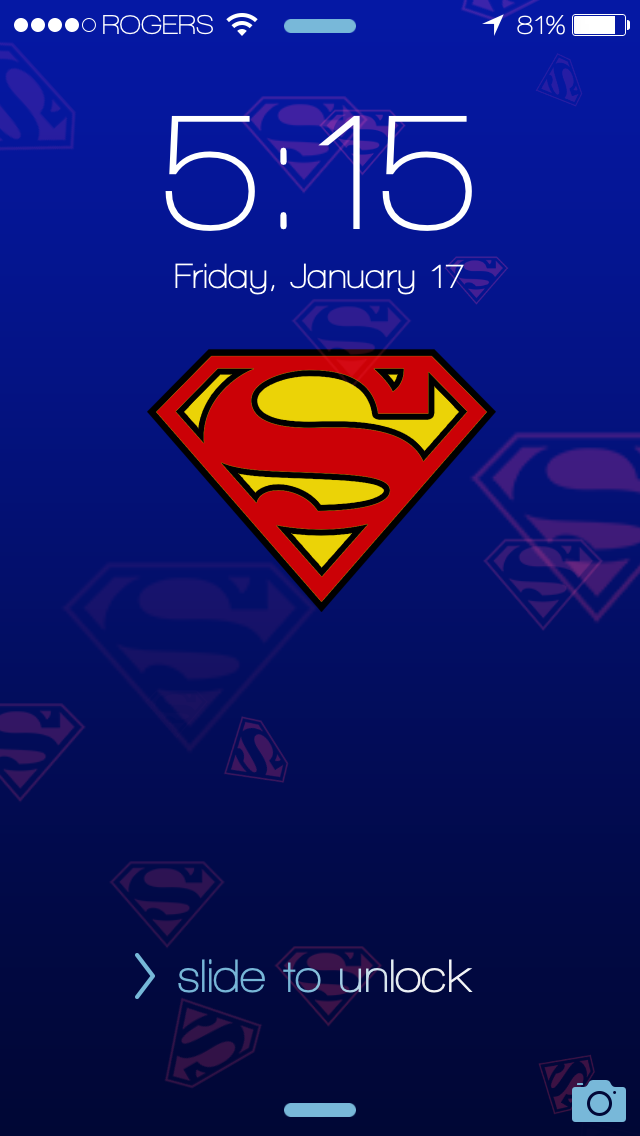
<p>Three Winterboard themes to change your Dynamic Wallpaper for iPhone 5 5C and 5S</p>
<p>Batman, Superman, and Spiderman</p>
<p> </p>
<p>To enable, choose one of the themes in Winterboard and respring.</p>
<p>Go to Settings app, Wallpapers and Brightness, Choose Wallpaper, Dynamic.</p>
<p>You will see a new background available with a logo (first wallpaper option) with the super hero theme you chose in winterboard and also a background without the logo (last wallpaper option). Select which you would like to use for either lockscreen or home screen and set. Enjoy your new Dynamic Wallpaper</p>
<p> </p>
<p>The wallpaper options will change with each theme you enable in winterboard.</p>
<p> </p>
<p>See screenshots for updated pics and settings option showing the wallpapers you can choose.</p>
<p> </p>
<p>If you liked the old ones make a backup of those files before you update as they are now gone.</p>