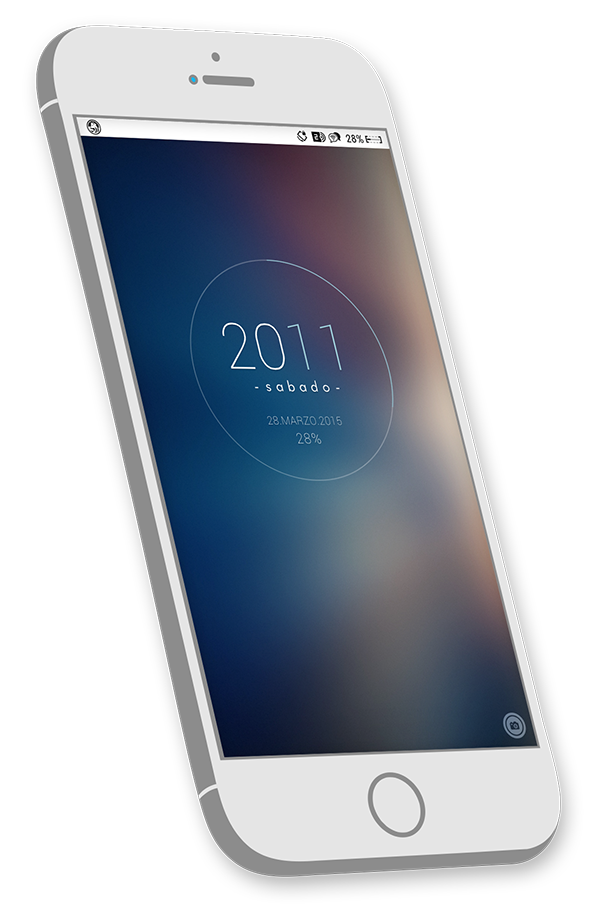
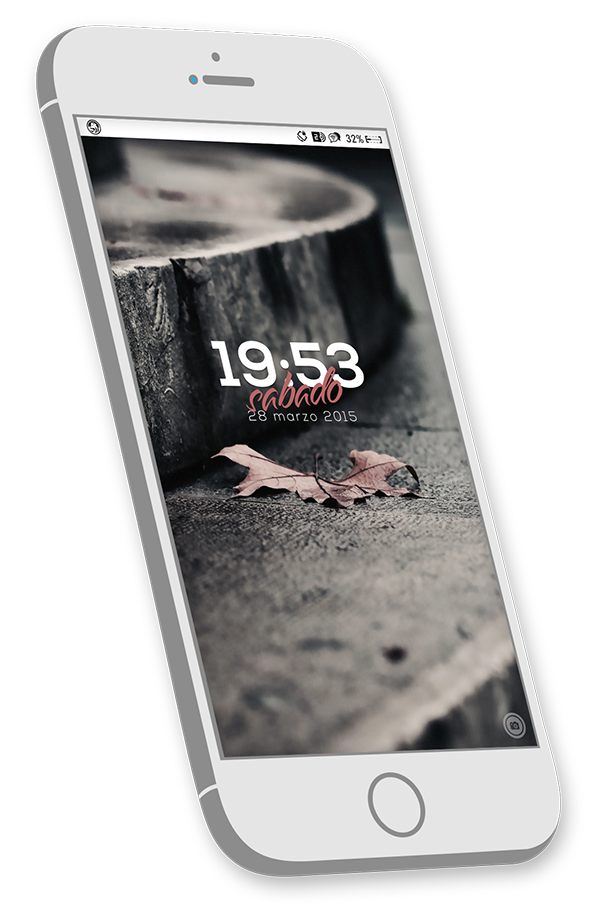
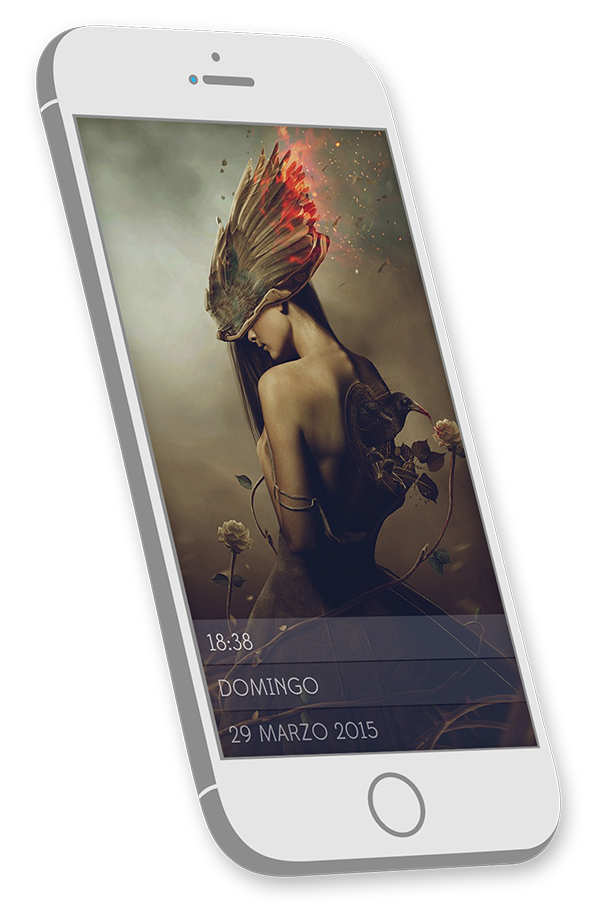
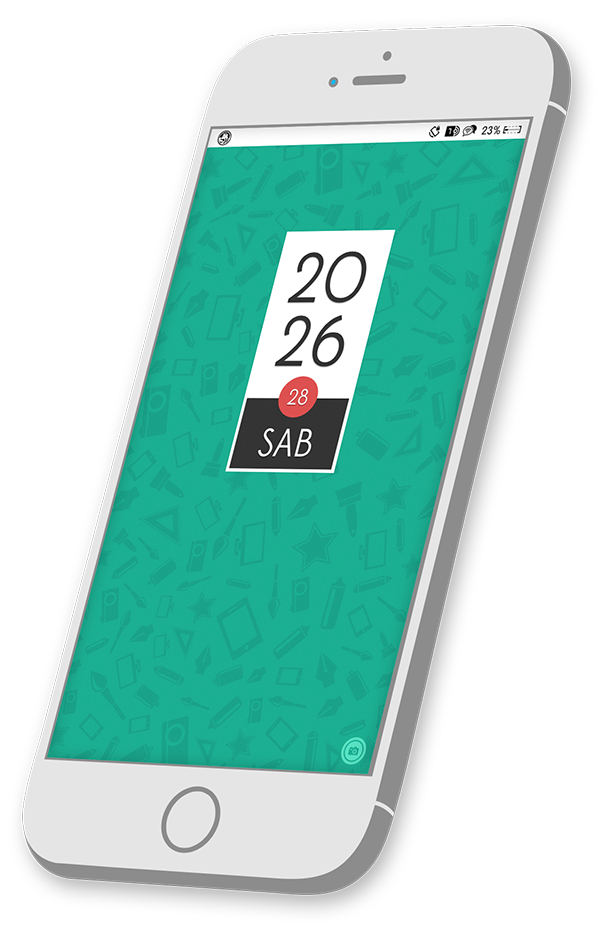
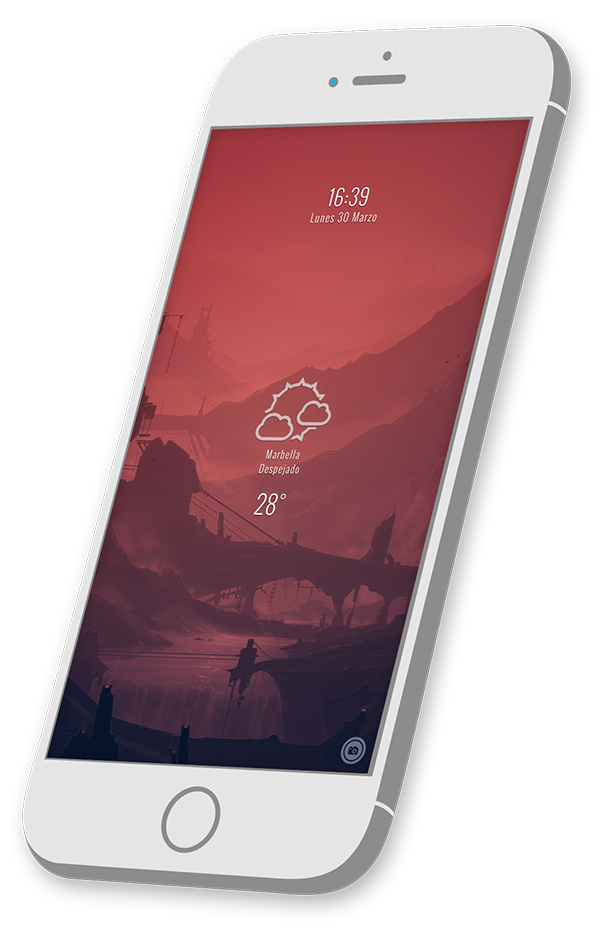
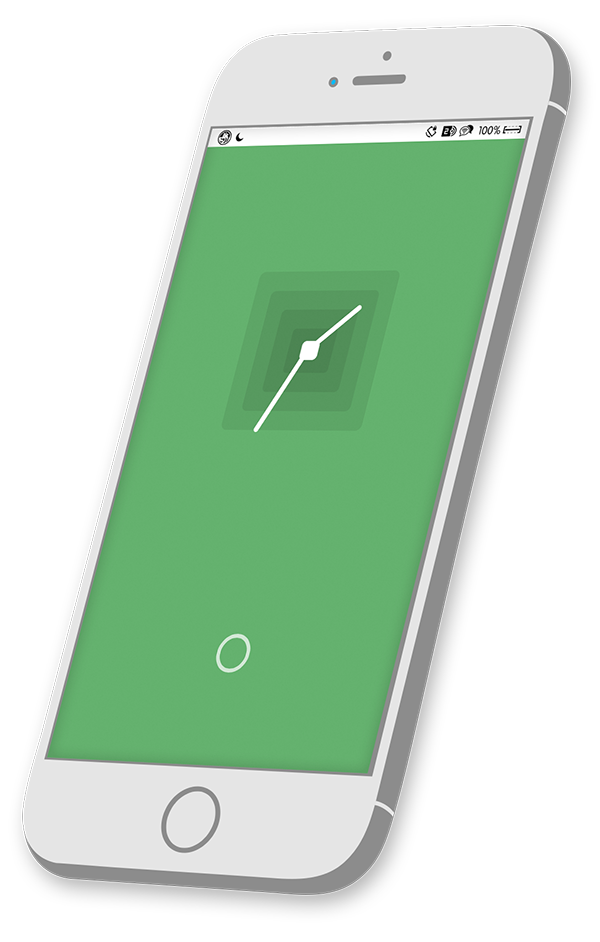
<p style="text-align: center;"><span style="font-size: small;"><em><strong>7</strong> Lockscreen widgets for Tercio theme.</em></span></p>
<p><em> </em></p>
<p><em>..: Compatible with iPhone <strong>5/5c/5s/6</strong> and <strong>6+</strong> for <strong>iOS 6</strong>, <strong>7</strong> and <strong>8</strong>!.</em></p>
<p><em>..: <span style="color: #000000;">Compatible with<strong> GroovyLock</strong>,<strong> Convergance</strong> and <strong>LockHTML</strong></span>.</em></p>
<p> </p>
<p><em>..: <span style="color: #ff0000;">Note 1</span>: If <strong>GroovyLock</strong> gives an error when clicking the icon to change the options, reinstall the Tweak and issue will be fixed.</em></p>
<p> </p>
<p><em><em>..: <span style="color: #ff0000;">Note 2</span>: since <strong>LockHTML</strong> is still in beta, is possible the changes made over the options don't work. you'll have to do it manually.</em></em></p>
<p> </p>
<p><em>..: Widgets include some options:</em></p>
<p><em> · Clock format (12h or 24h)</em></p>
<p><em> · Languages (spanish, english, german, french and italian).</em></p>
<p><em> · Temperature format (C or F).</em></p>
<p><em> · Weather location (GPS or Yahoo code).</em></p>
<p><em> · Weather update interval (the time you want in minutes).</em></p>
<p> </p>
<p><em>..: if You want to use the GPS Weather you will need "<strong>WidgetWeather2</strong>" (in "<strong>Extra Settings</strong>" enable "<strong>myLocation</strong>").</em></p>
<p> </p>
<p><em>..: Some Widgets Include Battery Information, so, you need "<strong>InfoStats</strong>".</em></p>
<p> </p>
<p><em>Thanks to <strong>Dacal</strong> for base code, modified by me.</em></p>
<p><em>thanks to <strong>Matchstic</strong> and <strong>Drifter</strong> for the Battery code, modified by me.</em></p>