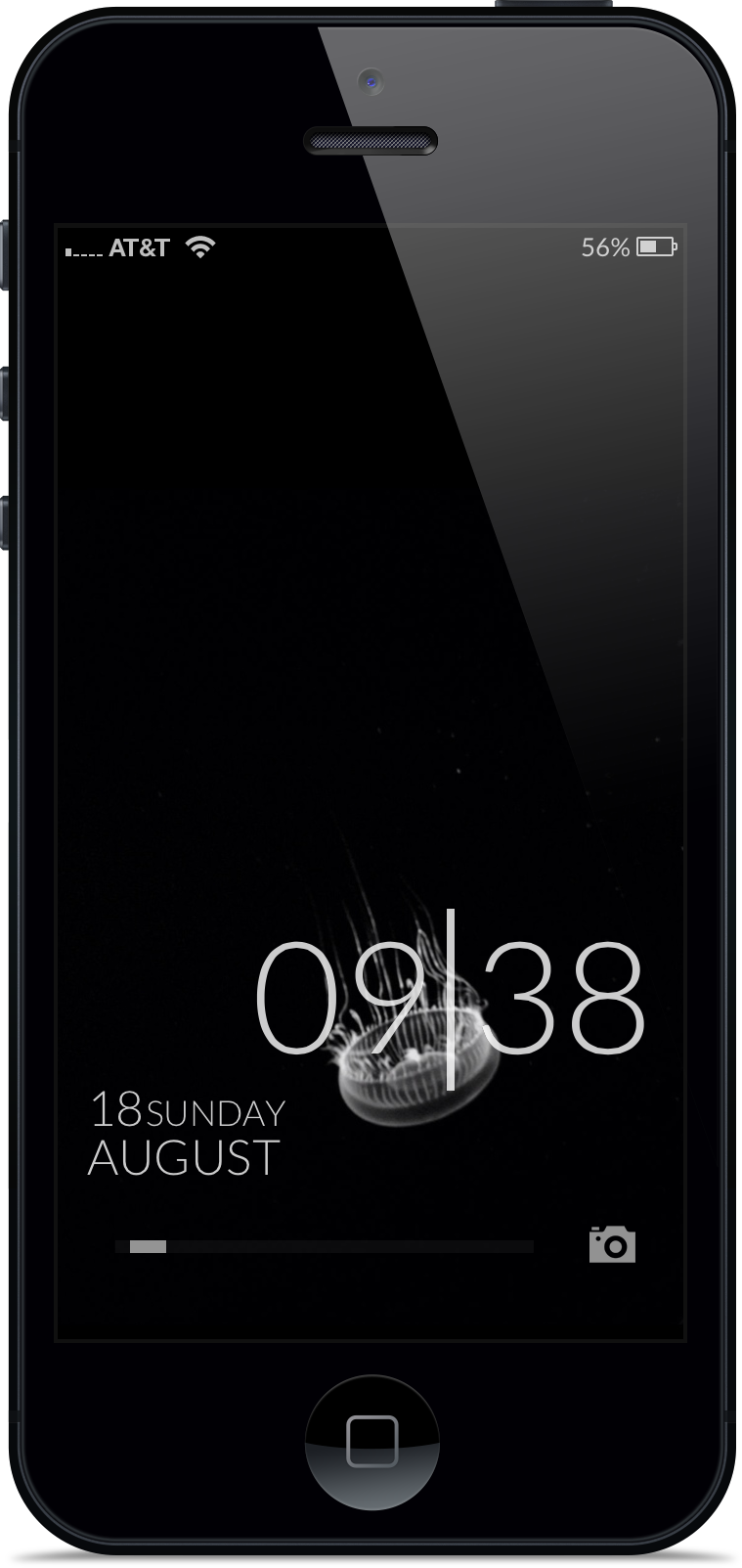
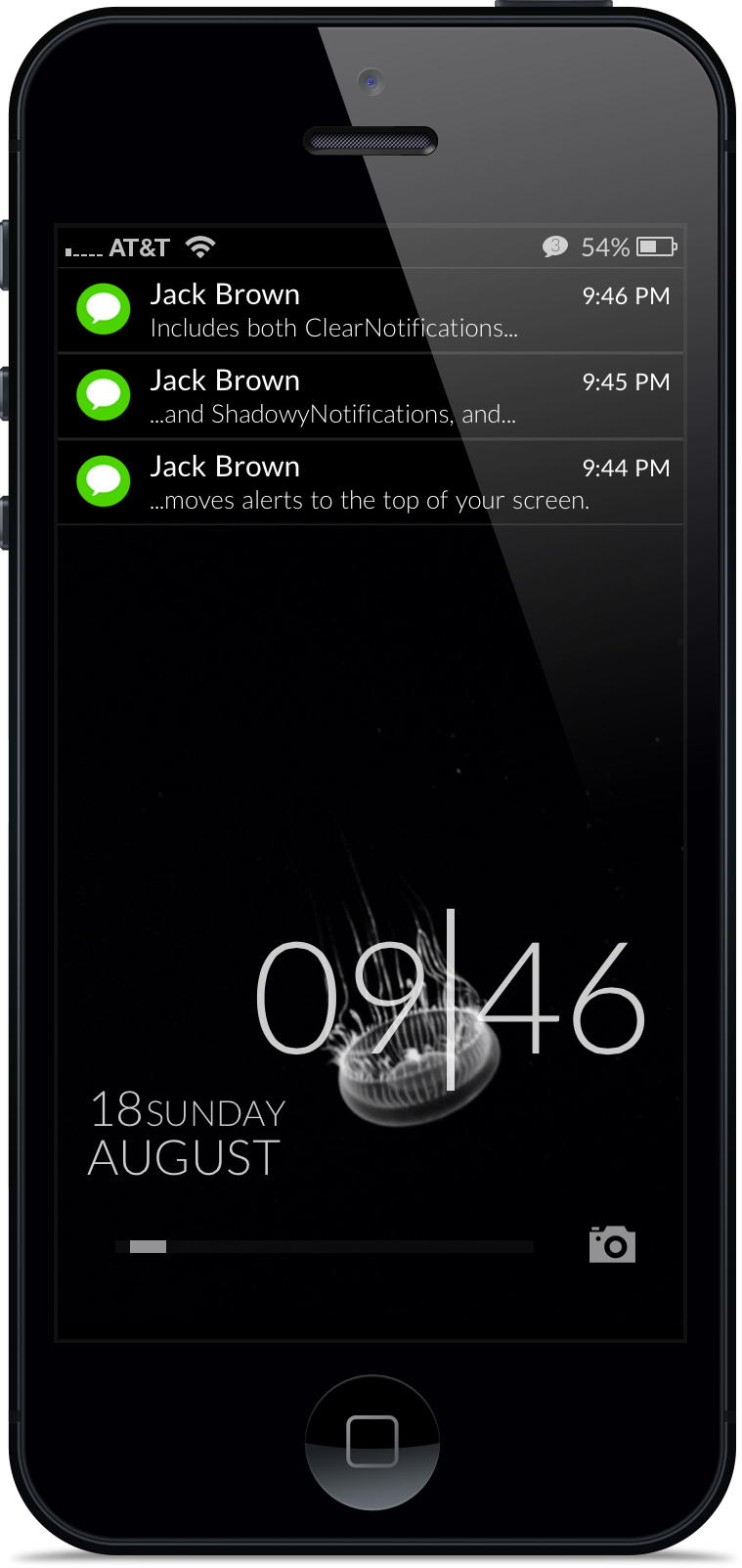
<p>TypoClockClear combines a clean, stylish, typographic lockscreen clock with transparent lock screen alerts and relocated secondary notifications. By moving the secondary notification stack to the top of the lockscreen, incoming alerts provide more room for wallpaper.</p>
<p> </p>
<p>Installation notes:</p>
<p> </p>
<p>-This theme provides for transparent popup alerts; to use them, enable the included ClearNotifications theme in WinterBoard. For transparent secondary notifications, you <strong>must</strong> also install NoLockNotificationsBG or ColorfulBulletins. For lighter lockscreens ShadowyNotifications is also included and may be preferred.</p>
<p>-To hide your default lock screen clock, use Lockscreen Clock Hide. Using the "Hide Top Bar" feature in Springtomize 2 breaks this theme.</p>
<p>-Built for iPhone 5.</p>
<p>-The circular icons in the screenshot were made using the Masks tweak available in Cydia. The screenshot font is Lato Light, also available in Cydia; if not installed TypoClockClear will use Helvetica.</p>
<p> </p>