<p>Because of school exams an update will be late but I am working on it. Finding methods that companies like Facebook and Whatsapp want to hide is most of the times difficult and breaks some things. Thanks for your understanding</p>
<p>FBPrivacy hasn't been updated because it still works with version 6.4 (released on 12 August 2013). If you experience a problem send me an email, thank you :)</p>
<p> </p>
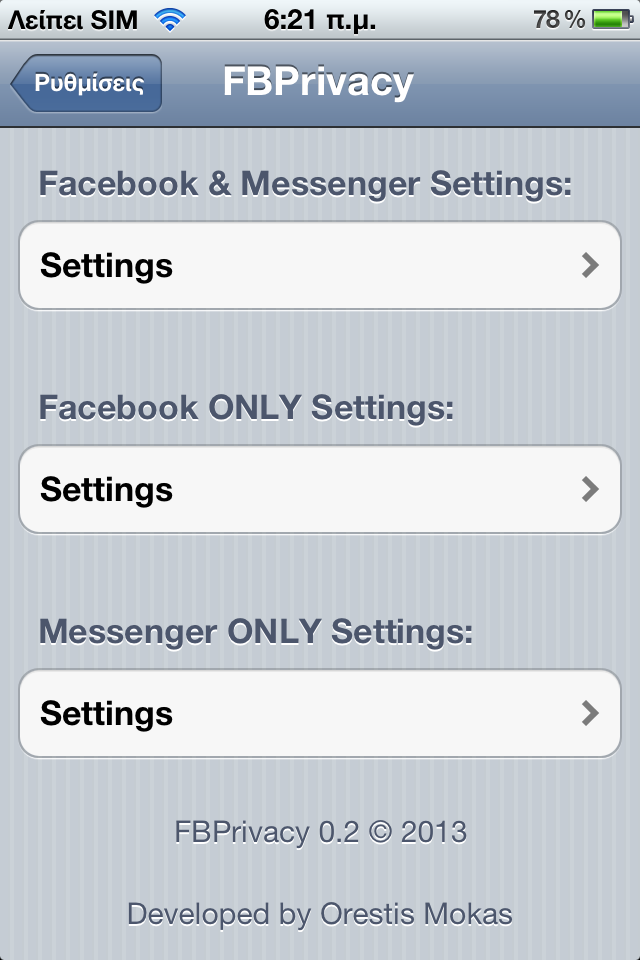
<p>FBPrivacy is a new tweak that helps making Facebook's experience much better.</p>
<p> </p>
<p>FBPrivacy works with Facebook and Messenger.</p>
<p> </p>
<p>Here is a list of FBPrivacy settings:</p>
<p><strong>*Unseen</strong><br /><strong>*Disable Typing Indicator</strong><br /><strong>*Dictation</strong><br /><strong>*Timestamps</strong><br /><strong>*Enable Internal Settings</strong><br /><strong>*Send More Photos</strong><br /><strong>*Disable All Reminders</strong><br /><strong>*VOIP</strong></p>
<p><strong>*Disable Auto Pop</strong></p>
<p><strong>*Don't Show Unseen Chat Heads</strong></p>
<p><strong>*Disable Buttons</strong></p>
<p> </p>
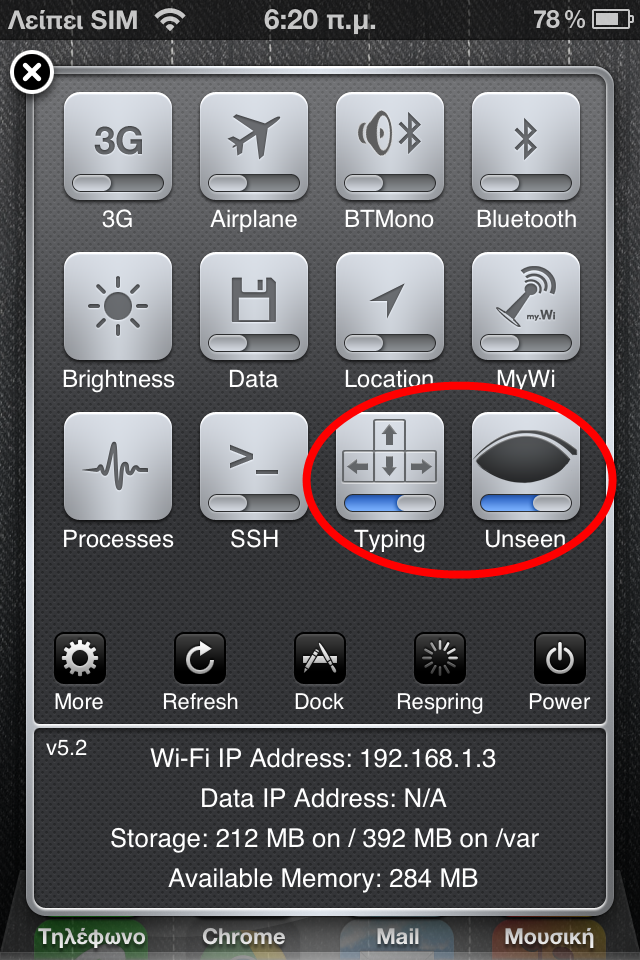
<p>FBPrivacy also includes 2 SBSetting toggles named Unseen and Typing.. for easier enable/disable of these nice settings!</p>
<p> </p>
<p>Now I will explain each setting:</p>
<p><strong>Unseen</strong>: Read messages like normal, but others will NOT receive the "read".</p>
<p><strong>Disable Typing Indicator</strong>: Type a message like normal, but others will NOT see that you are typing a message.</p>
<p><strong>Dictation</strong>: When you write anything on Facebook the Siri button will exist on the keyboard and it can be used normaly. <strong>*needs Siri enabled and compatible language and device*</strong></p>
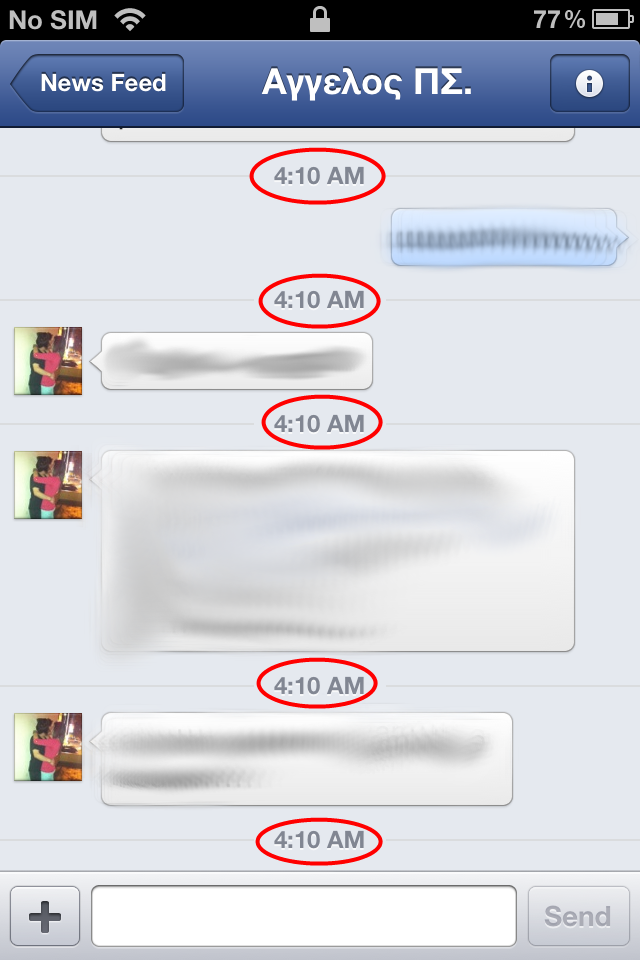
<p><strong>Timestamps</strong>: Each message has its own timestamp.</p>
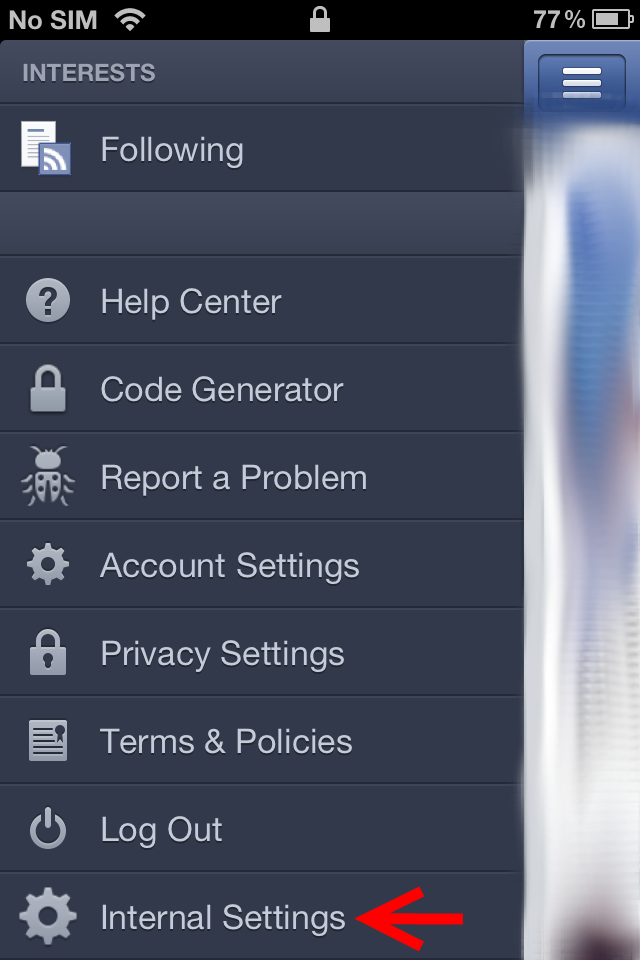
<p><strong>Enable Internal Settings</strong>: Enables Internal Settings which are located at the bottom of the left panel of Facebook.</p>
<p><strong>Send More Photos</strong>: Send more than 1 photo per message on Facebook.</p>
<p><strong>Disable All Reminders</strong>: Disables all the reminders on Messenger. (won't work if you turn off notifications from Messenger's Settings)</p>
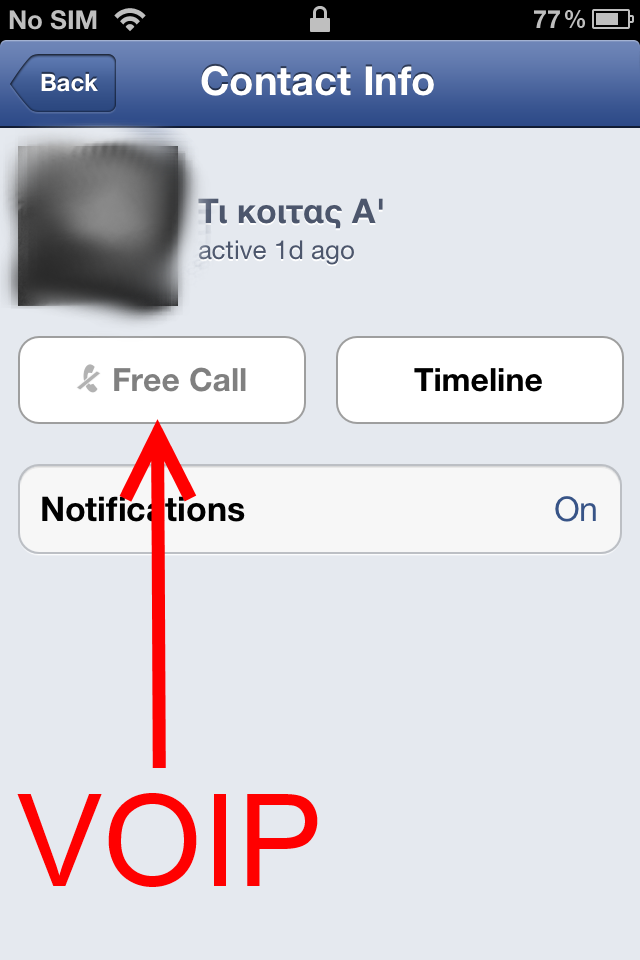
<p><strong>VOIP</strong>: Enables VOIP for Facebook and Messenger.</p>
<p><strong>Disable Auto Pop: </strong>Disables the Chat Heads popping.</p>
<p><strong>Don't Show Unseen Chat Heads: </strong>When you open Facebook, it will NOT pop the unseen Chat Heads.</p>
<p><strong>Disable Buttons: </strong>You can chose to disable some buttons, like Like button, Comment button or Tag button.</p>
<p><strong> </strong></p>
<p> </p>
<p><strong>Note: Refunds are NOT possible because Facebook can change their code and make some/all settings unusable. I am NOT responsible for this since Facebook manages how they write or change their code. For now every option offered works like it should.</strong></p>
<p> </p>