<p> </p>
<p><img style="margin-right: auto; margin-left: auto; display: block;" src="http://i.imgur.com/jkCU0Qv.png" alt="" width="400" height="162" /></p>
<p style="text-align: center;"><strong>7.x-9x</strong></p>
<p style="text-align: center;"><strong>Color App or Folder Icon Labels Individually.</strong></p>
<p style="text-align: center;"> </p>
<p style="text-align: center;"><span style="color: #33cccc; background-color: #ffffff;">STEPS</span></p>
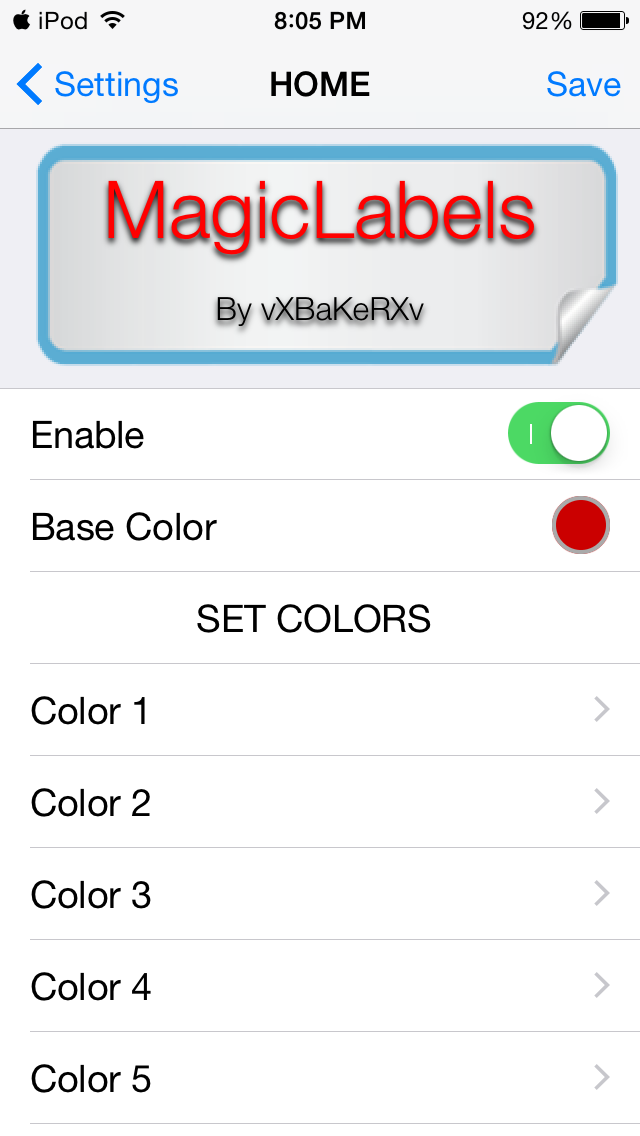
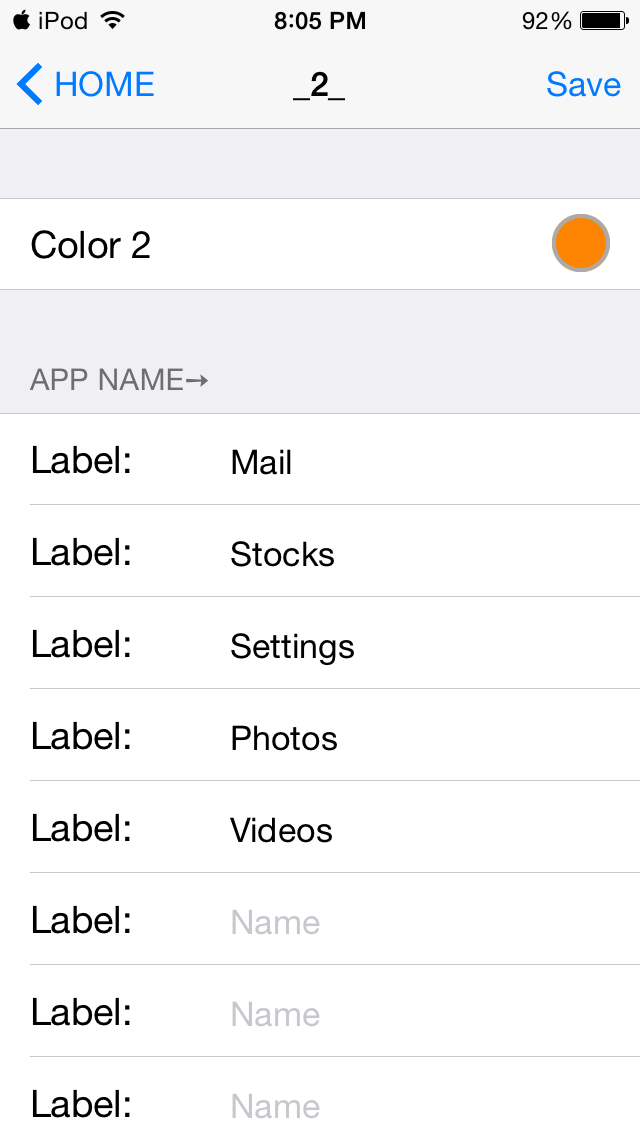
<p style="text-align: center;">Set a Primary Color.</p>
<p style="text-align: center;">Input the "exact" app or folder icon name in text Box.</p>
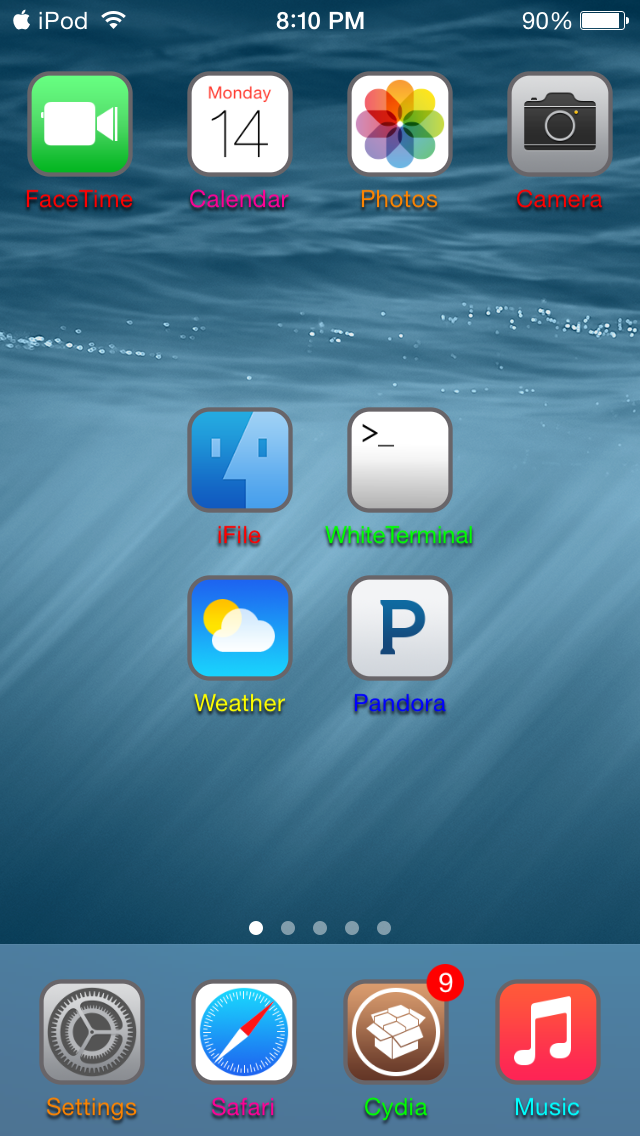
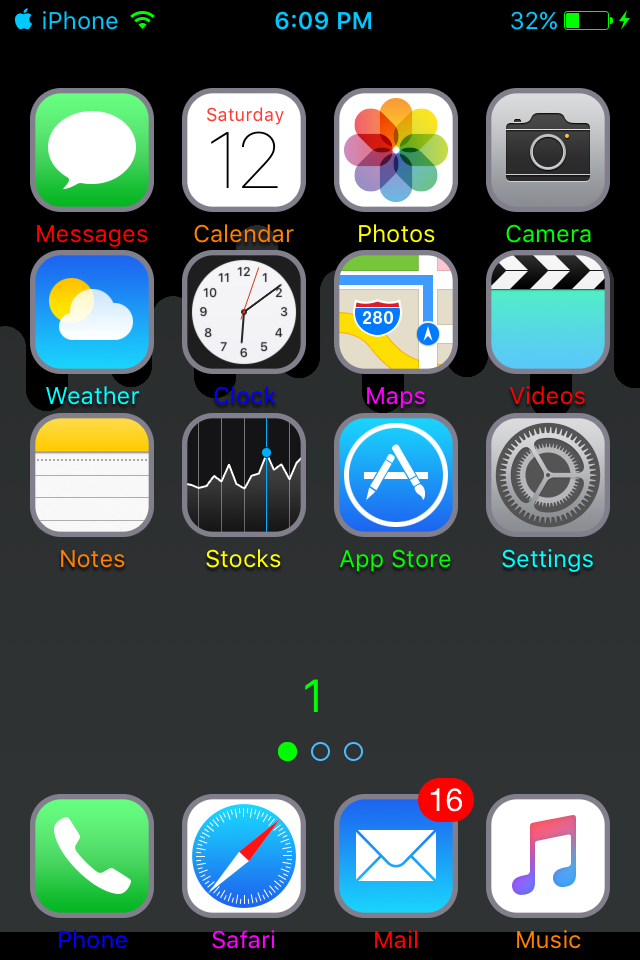
<p style="text-align: center;">Look at screenshots EXAMPLES if you need.</p>
<p style="text-align: center;"> </p>
<p style="text-align: center;">Might not work on ios 8.3-8.4.</p>
<p style="text-align: center;">Tested on a iPod Touch 5g 8.1.2 and iPhone 4s 9.0.2.</p>
<p style="text-align: center;"> </p>
<p style="text-align: center;"><img src="http://i.imgur.com/GrTcpxB.png" alt="" width="400" height="120" /></p>
<p style="text-align: center;"><strong>ENJOY!</strong></p>