<p><span style="color: #0000ff;">Compatible with all devices from iOS 7 to 8.1.</span></p>
<p> </p>
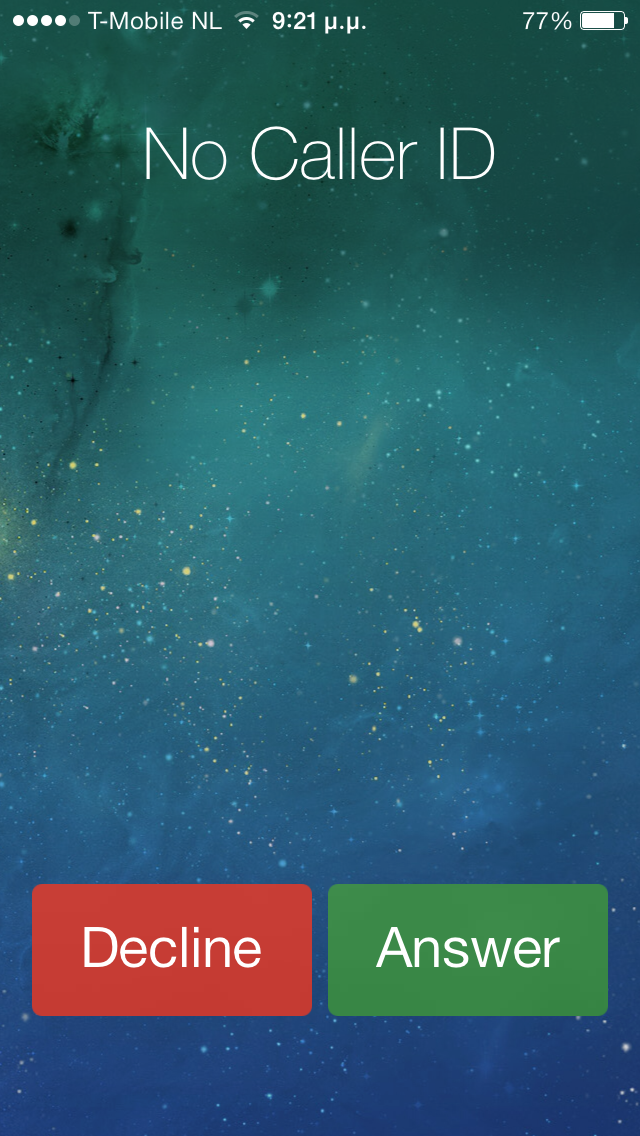
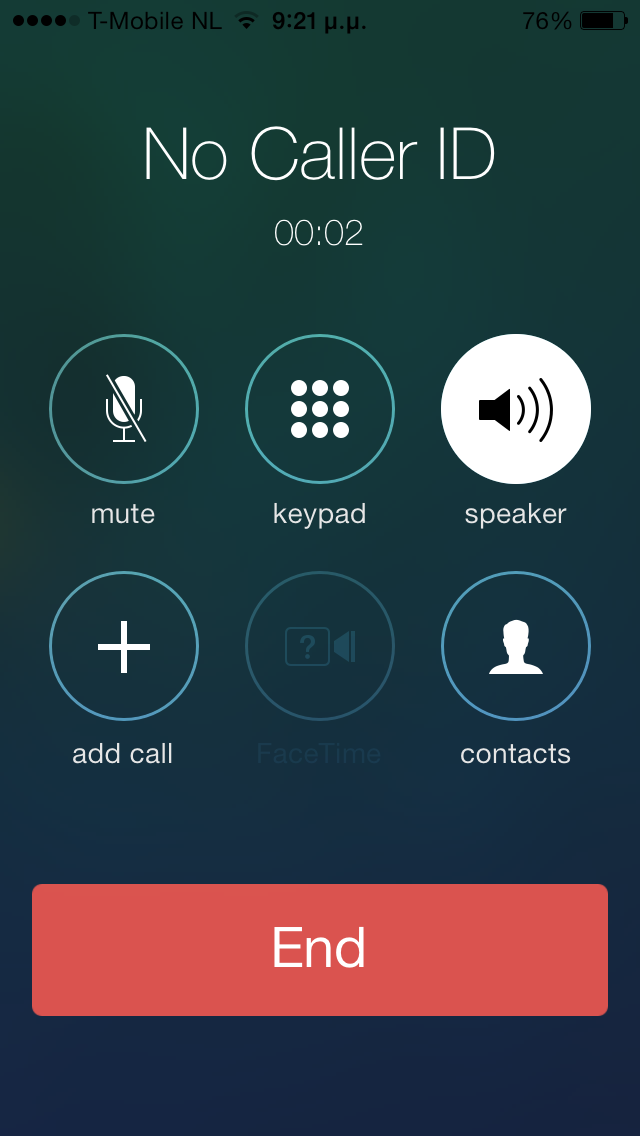
<p>This tweak designed by Jeff Benjamin, offers a way to answer your calls, while activating your speaker. To do so, hold or double tap on the swipe to answer bar, or hold on the answer button. Many thanks, to the developers @sharedRoutine (Jack) and @DringendApp (Josh) for developing this with me and helping me put toghether some of the crucial pieces for this tweak, but also to my friends Nick and Michał, for calling me every 5 mins, when testing was needed. </p>
<p> </p>
<p>As of version 1.1 you can also hold on the call button to start a call and activate the speaker, hold on a call on the recents tab and start a call, while activating the speaker for this call and lastly, hold on a contact on favourites and start a call with the speaker activated.</p>
<p><iframe src="http://www.youtube.com/embed/VS71yrQZ1Qs?rel=0" frameborder="0" width="282" height="159"></iframe></p>